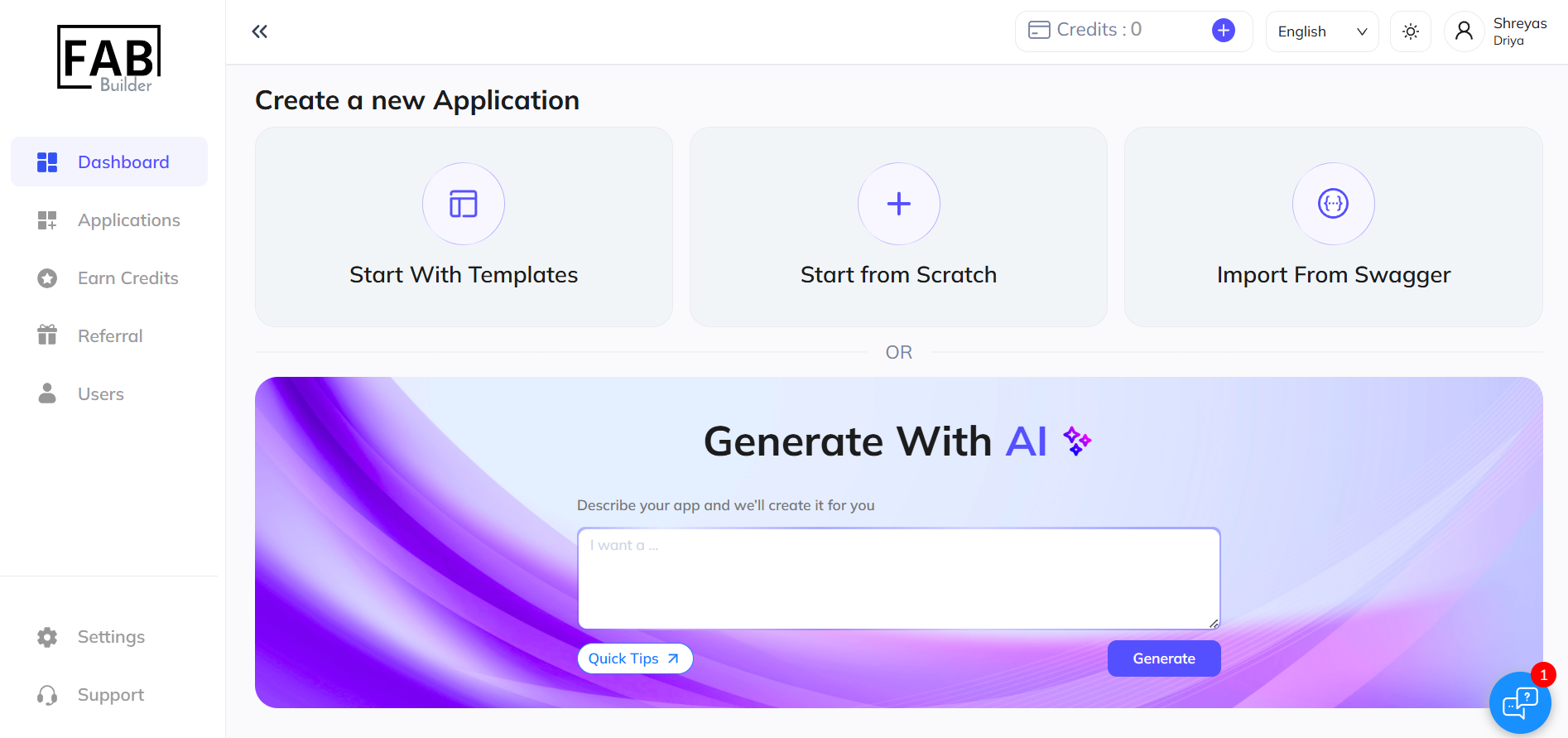
1. Start from Scratch: Begin a new project by selecting the "Start from Scratch" option on the Fab Builder platform.
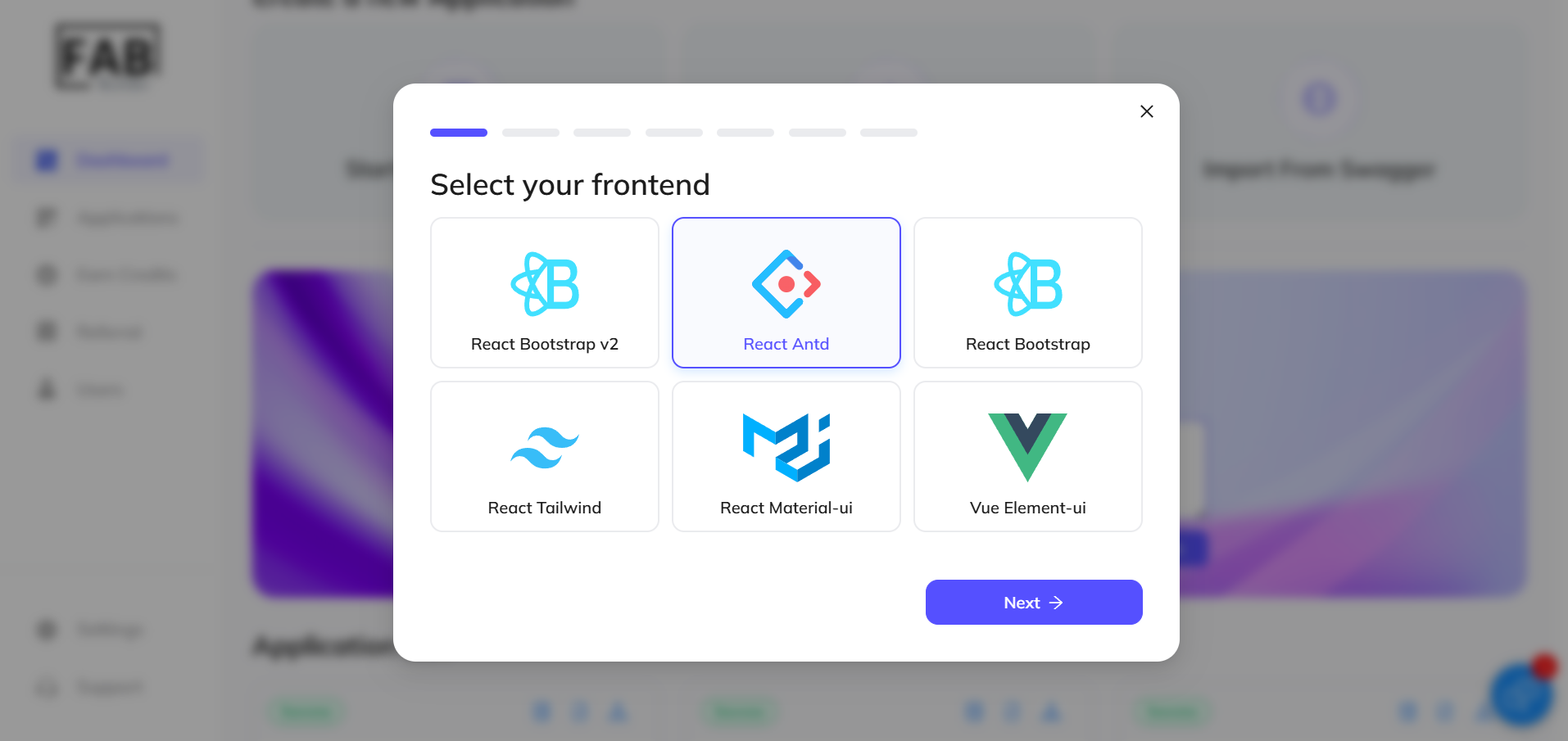
2. Choose Frontend Framework: Select React Bootstrapv2 as your frontend framework to create dynamic and responsive UIs.
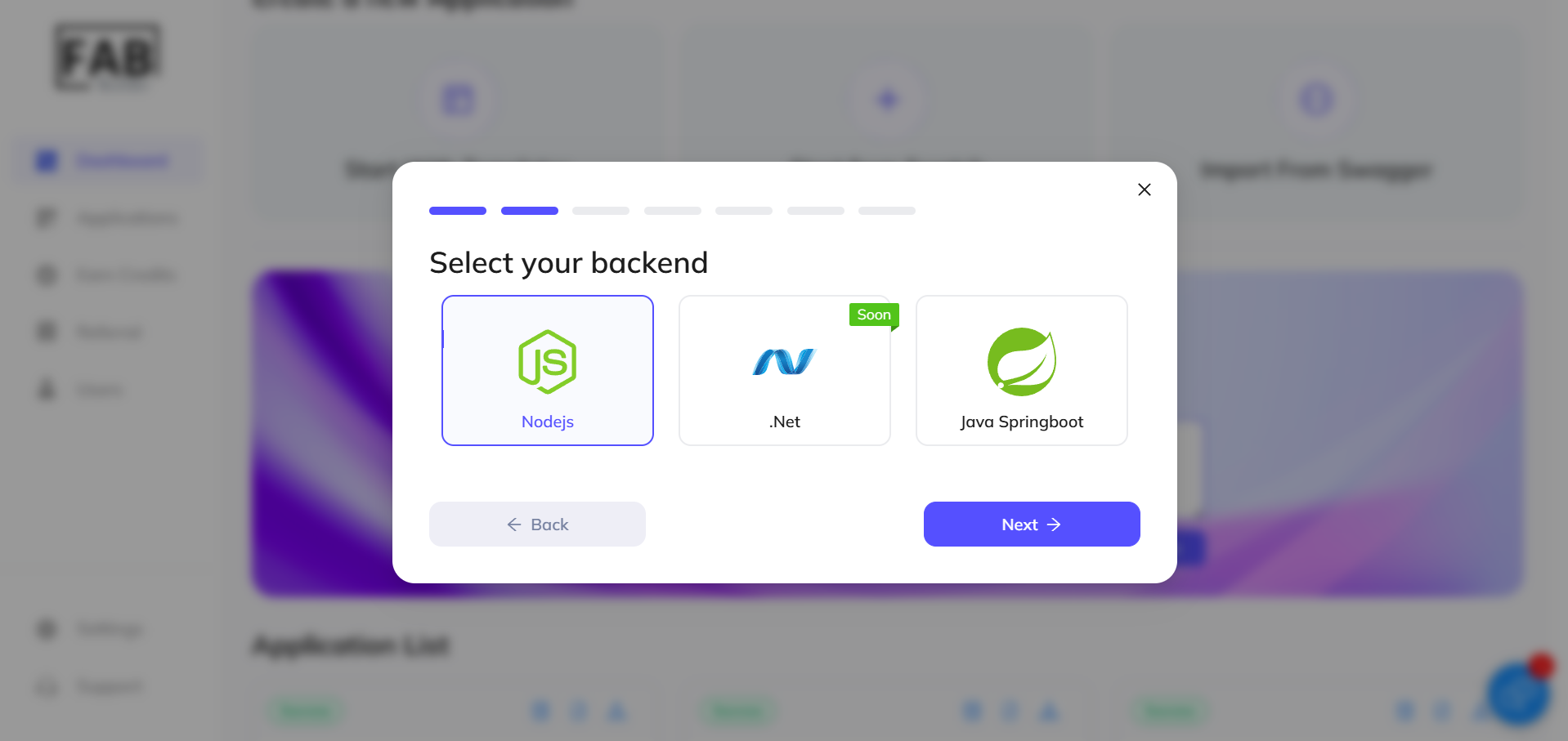
3. Choose back-end (Node.js): Choose Node.js as your back-end technology to handle server-side logic and API management.
4. Select Database (MongoDB): Choose MongoDB to manage your application's data, ensuring scalability and flexibility.
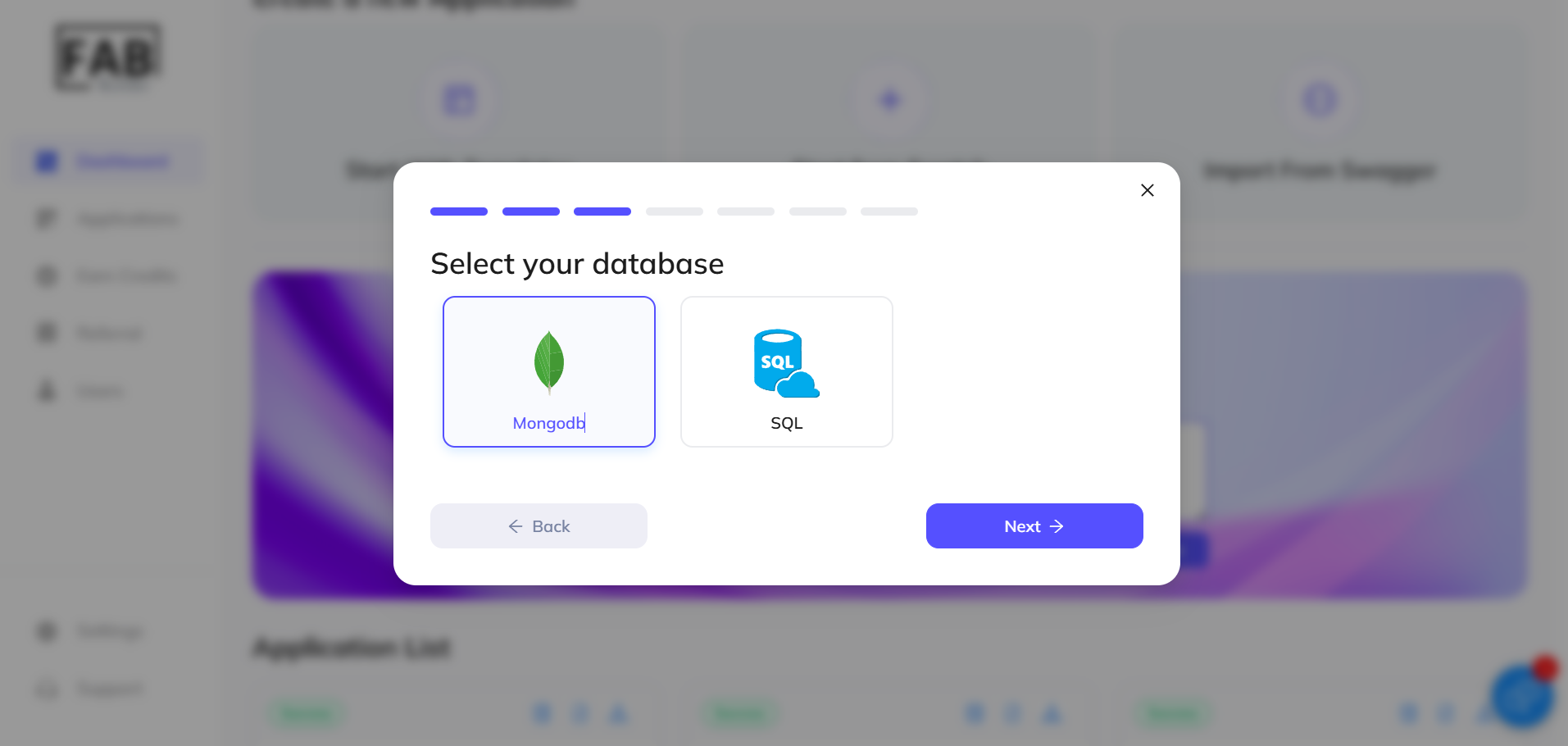
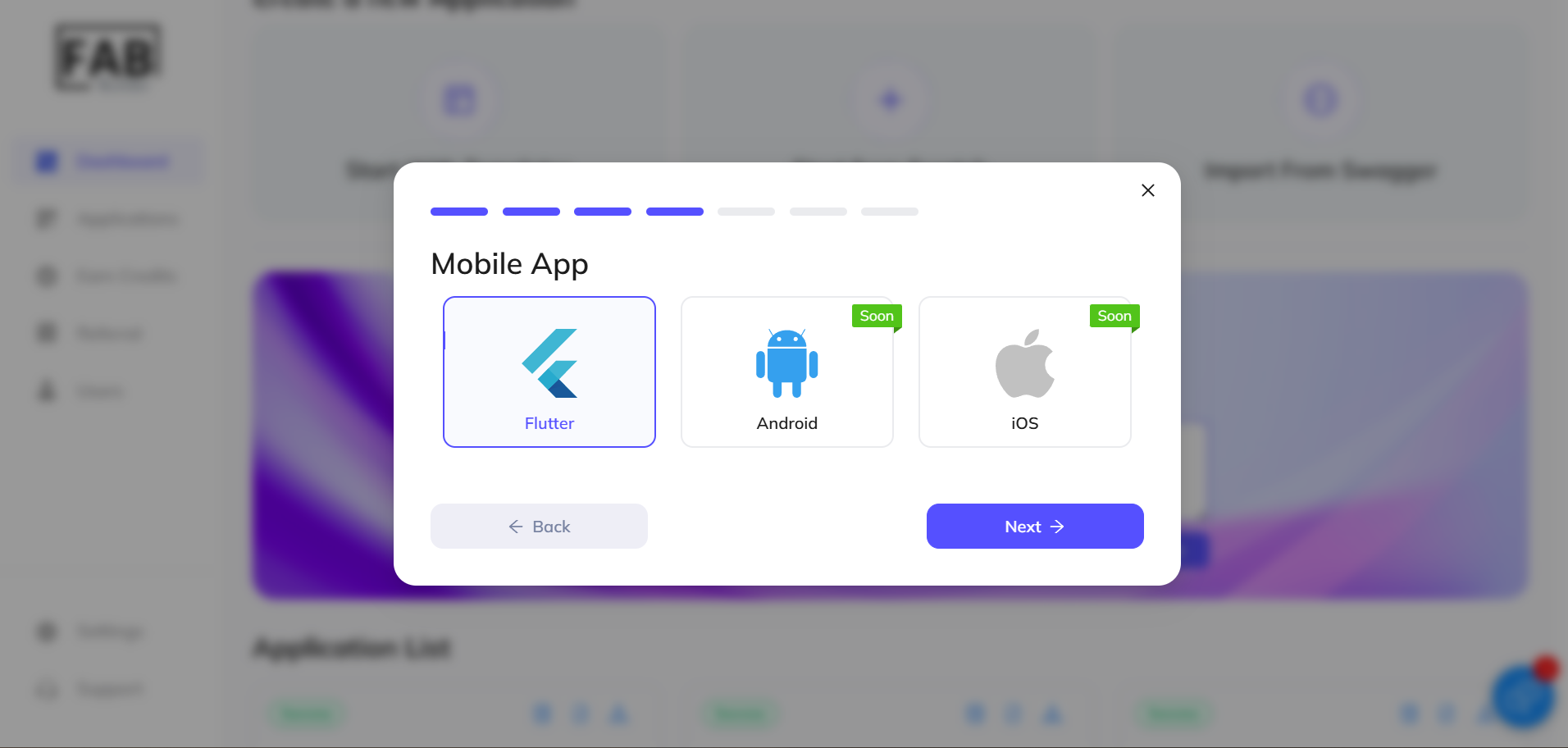
5. Choose Mobile App (Flutter) : Select Flutter for cross-platform mobile app development (Android and iOS support coming soon).
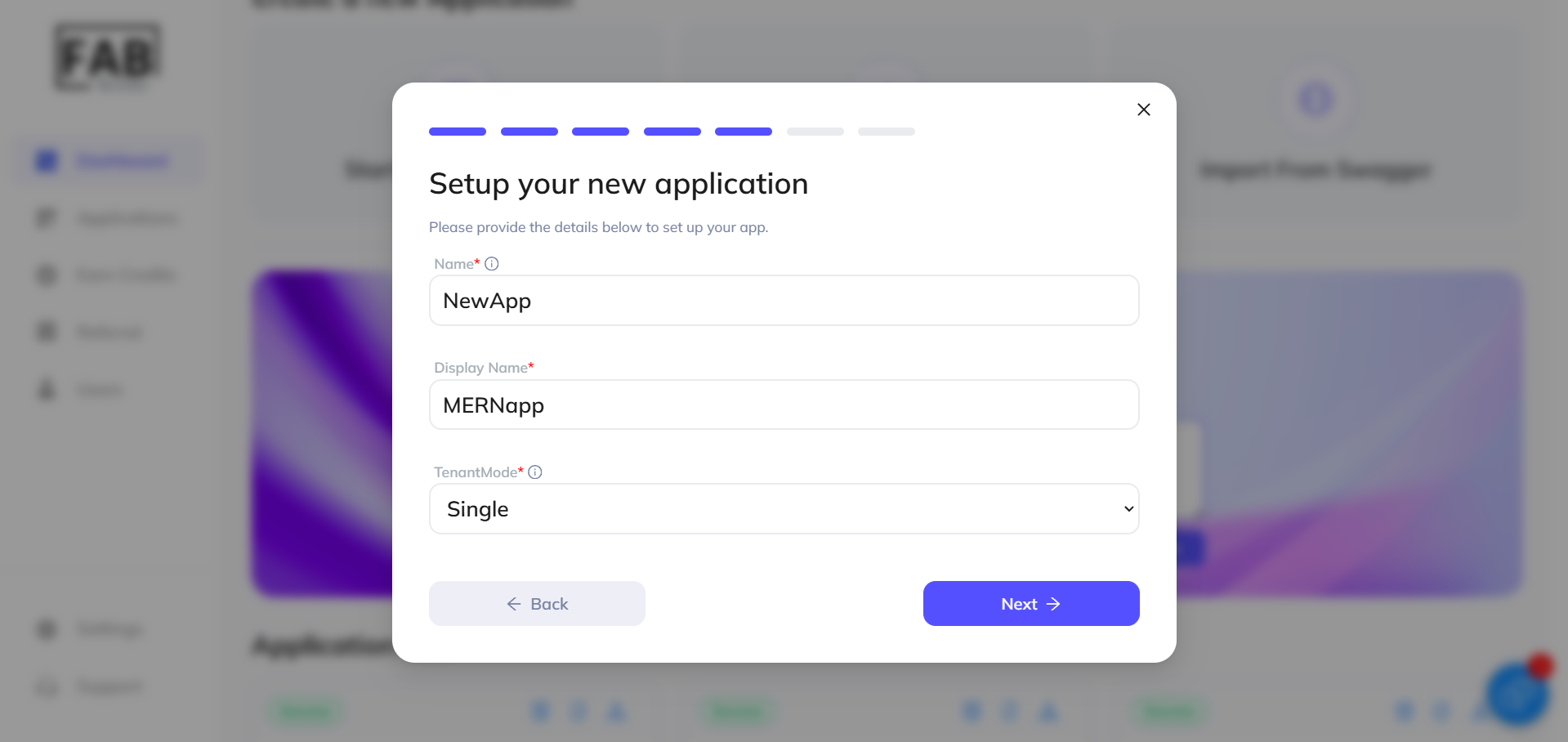
6. Setup New Application: Enter details for your app, including its name, display name, and tenant mode settings. This ensures proper application configuration.
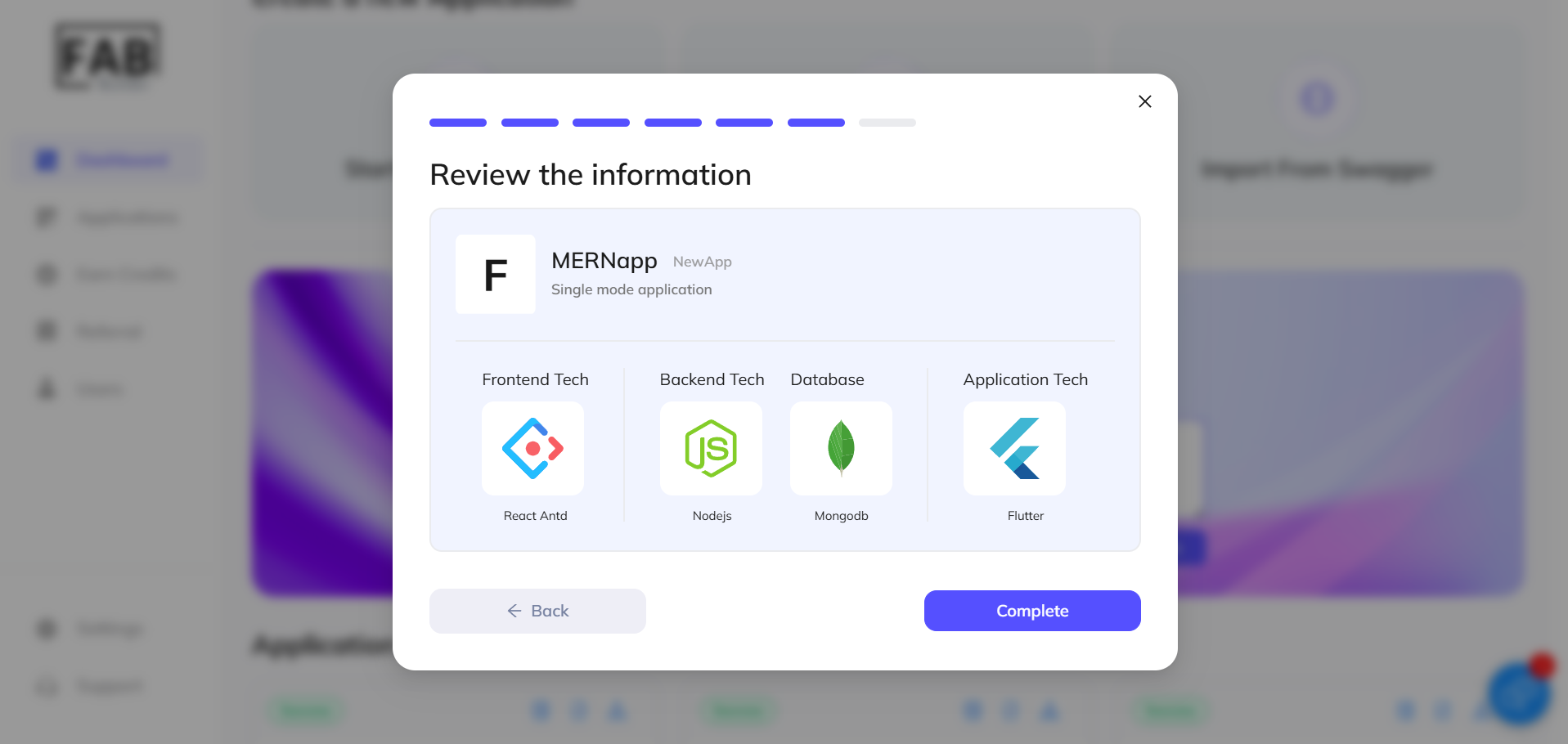
7. Review Information and Complete: Review the provided information and click "Complete" to finalize the setup.
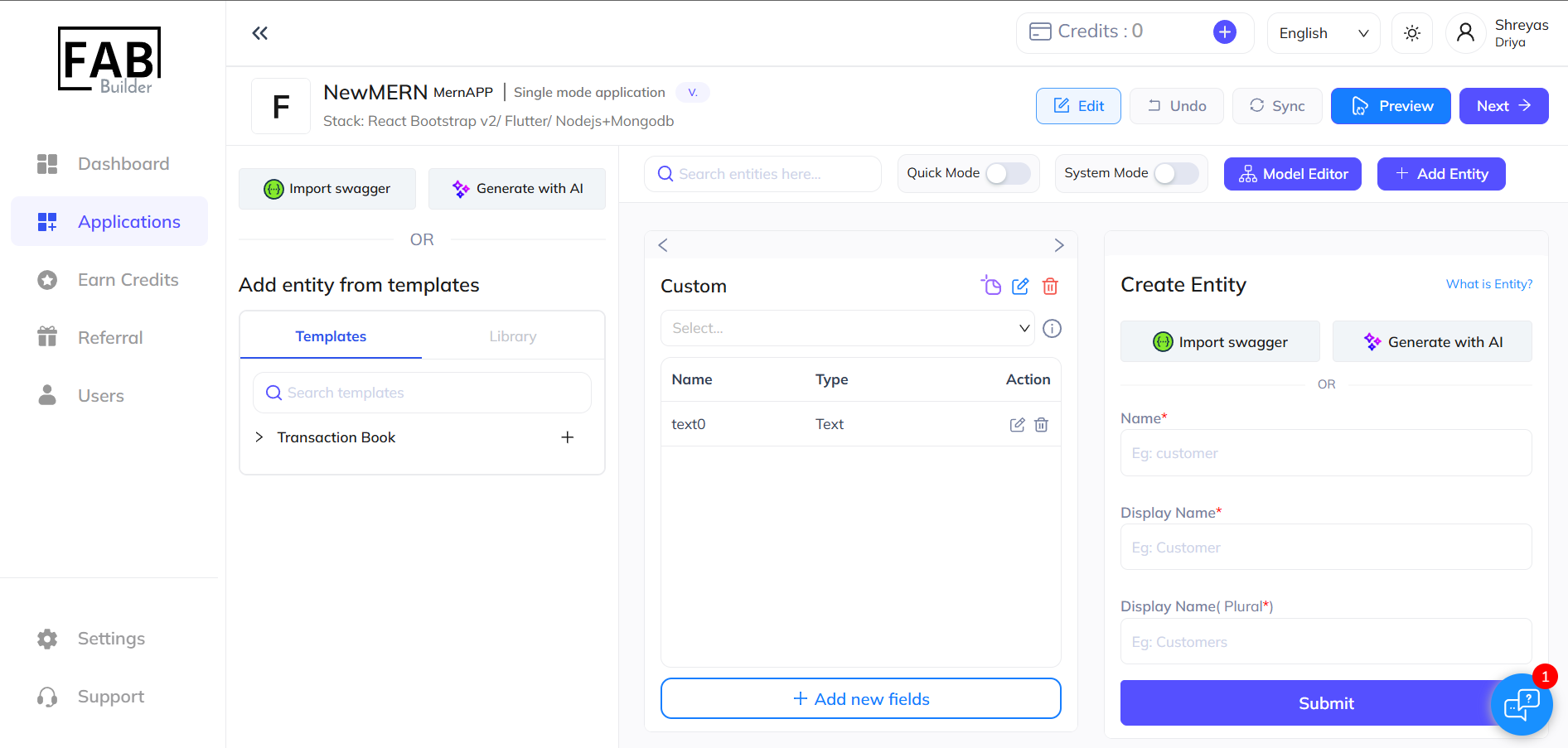
8. Add Entities: Once your project setup is complete, you will be directed to add entities to your application.
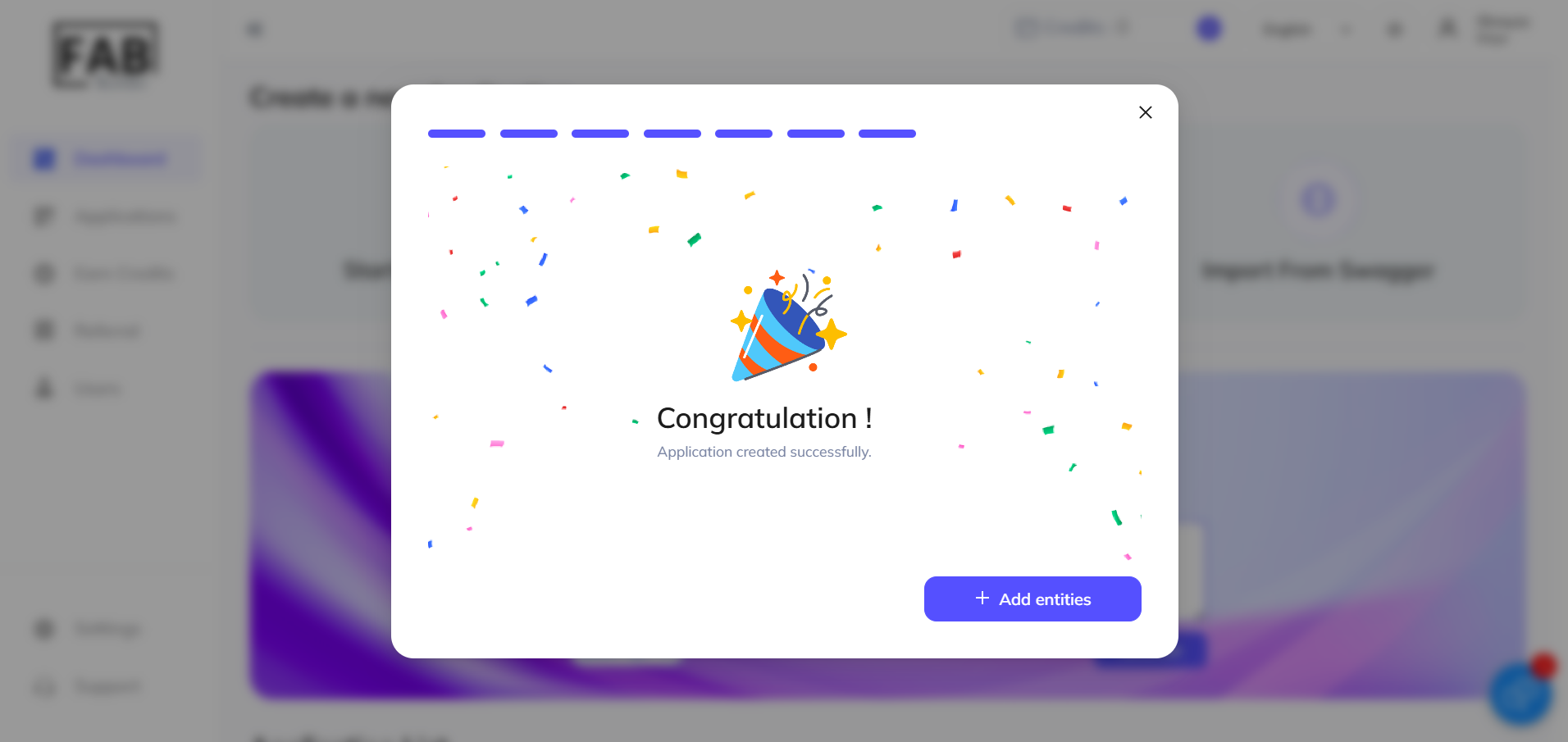
9. Use Predefined Templates or Custom Entities: Choose from predefined templates or create a custom entity to suit your requirements.
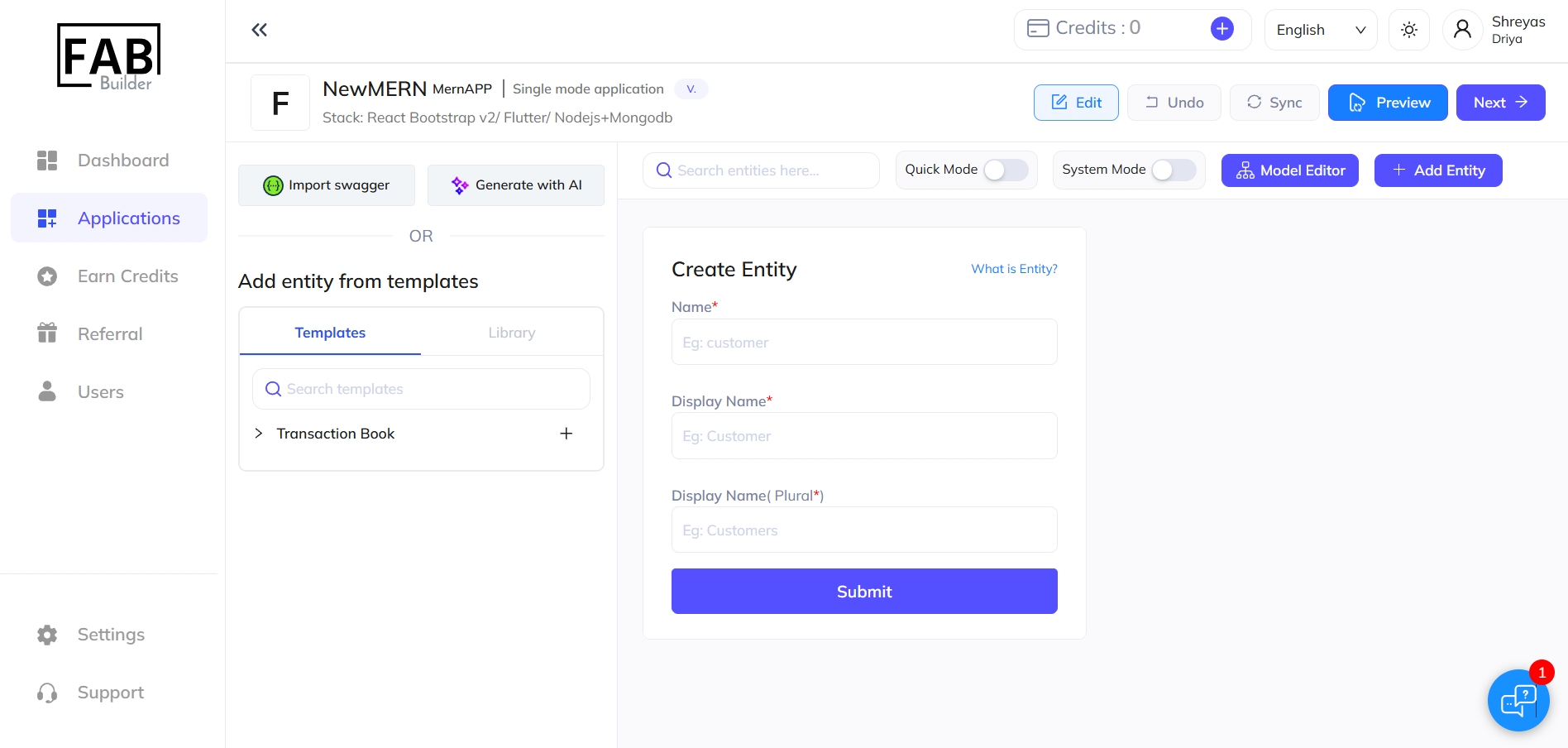
10. Apply Predefined Template: If using a predefined template, apply it and customize the fields as necessary.
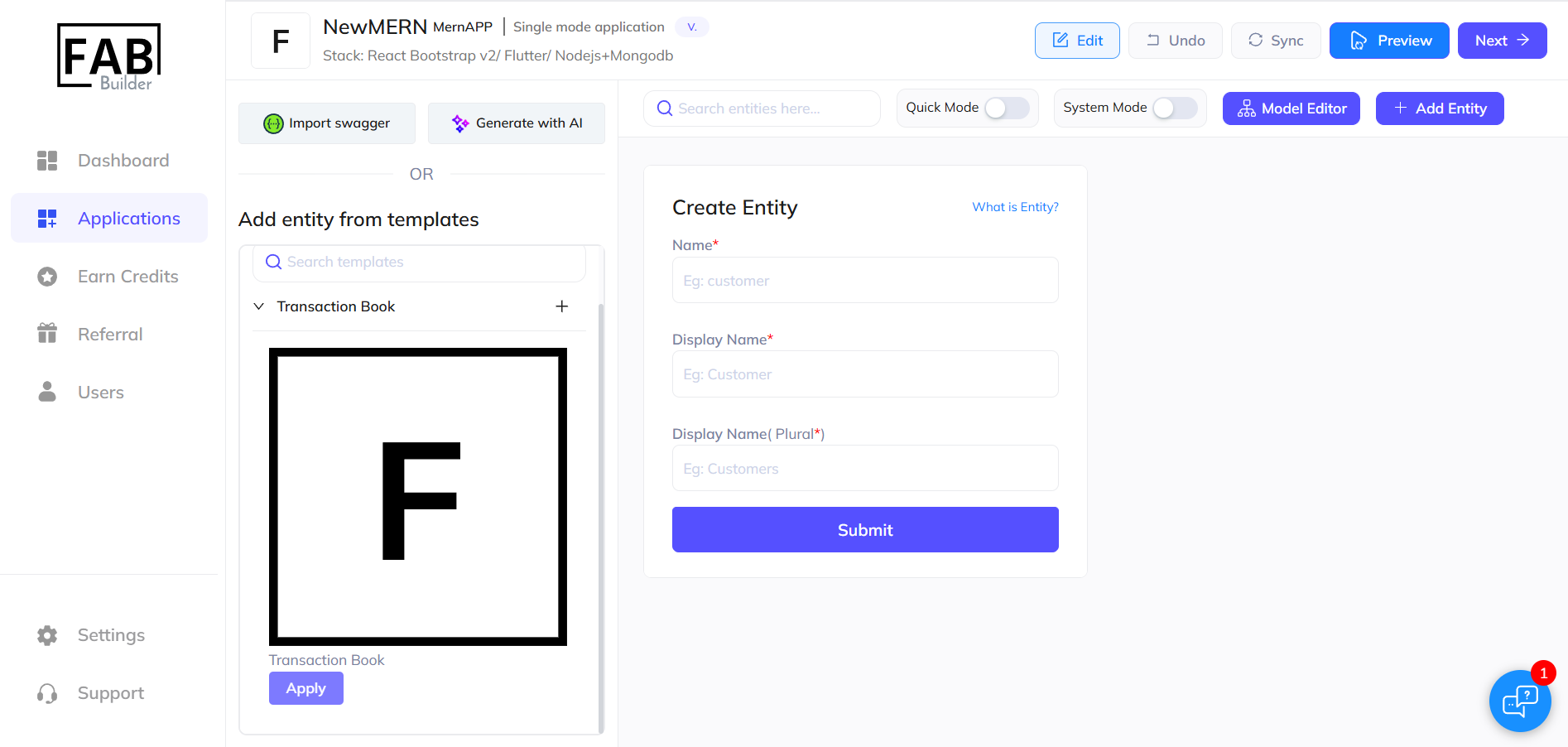
11. Create Custom Entity: If creating a custom entity, give it a name and submit it. A new entry will be created.
12. Add New Fields: Use the drag-and-drop feature to add new fields to your chosen entity, with the ability to edit them as required.
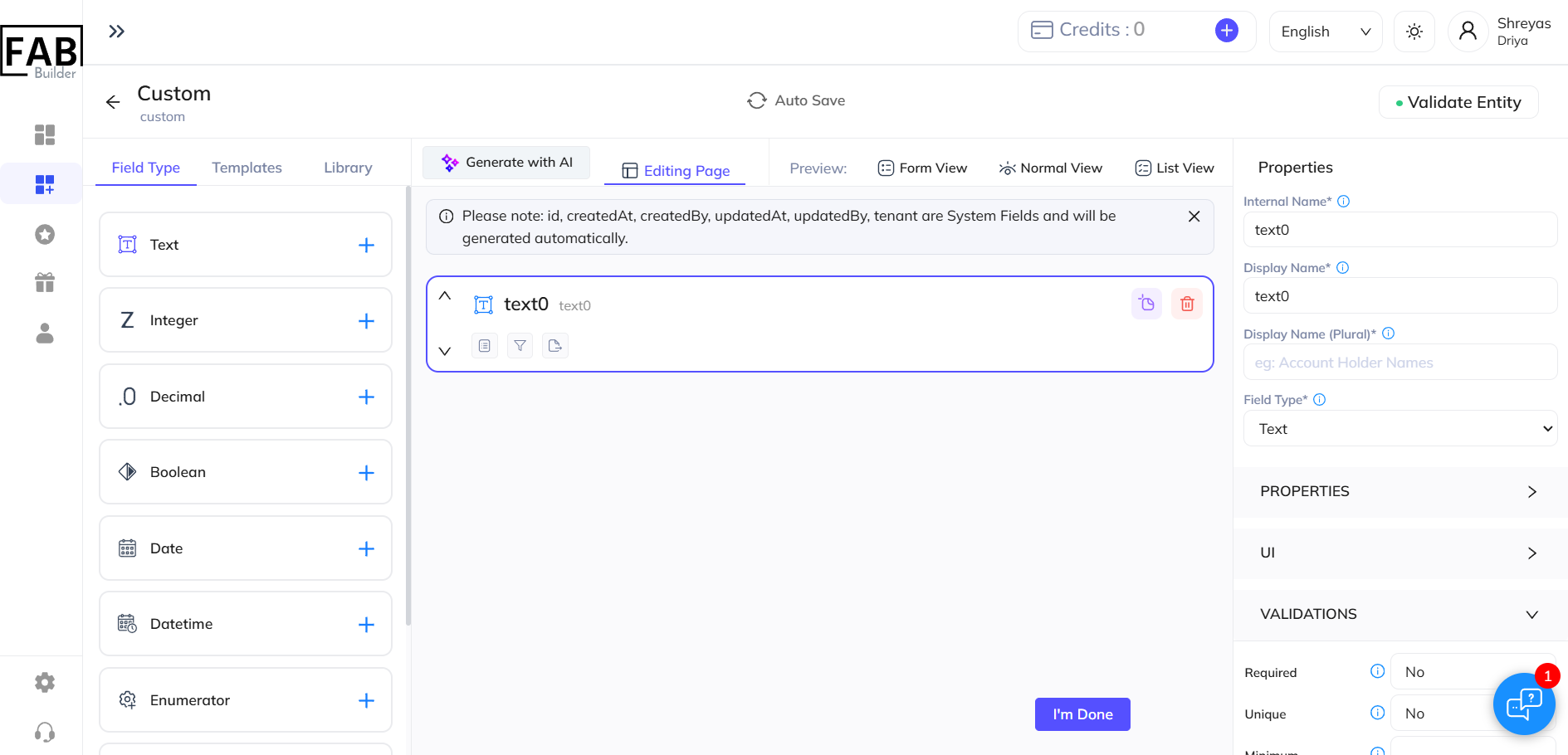
13. Finalize and Move to Home Page: After finalizing edits, click "I'm Done" to return to the home page. From there, preview your application and move ahead by clicking “Next”.
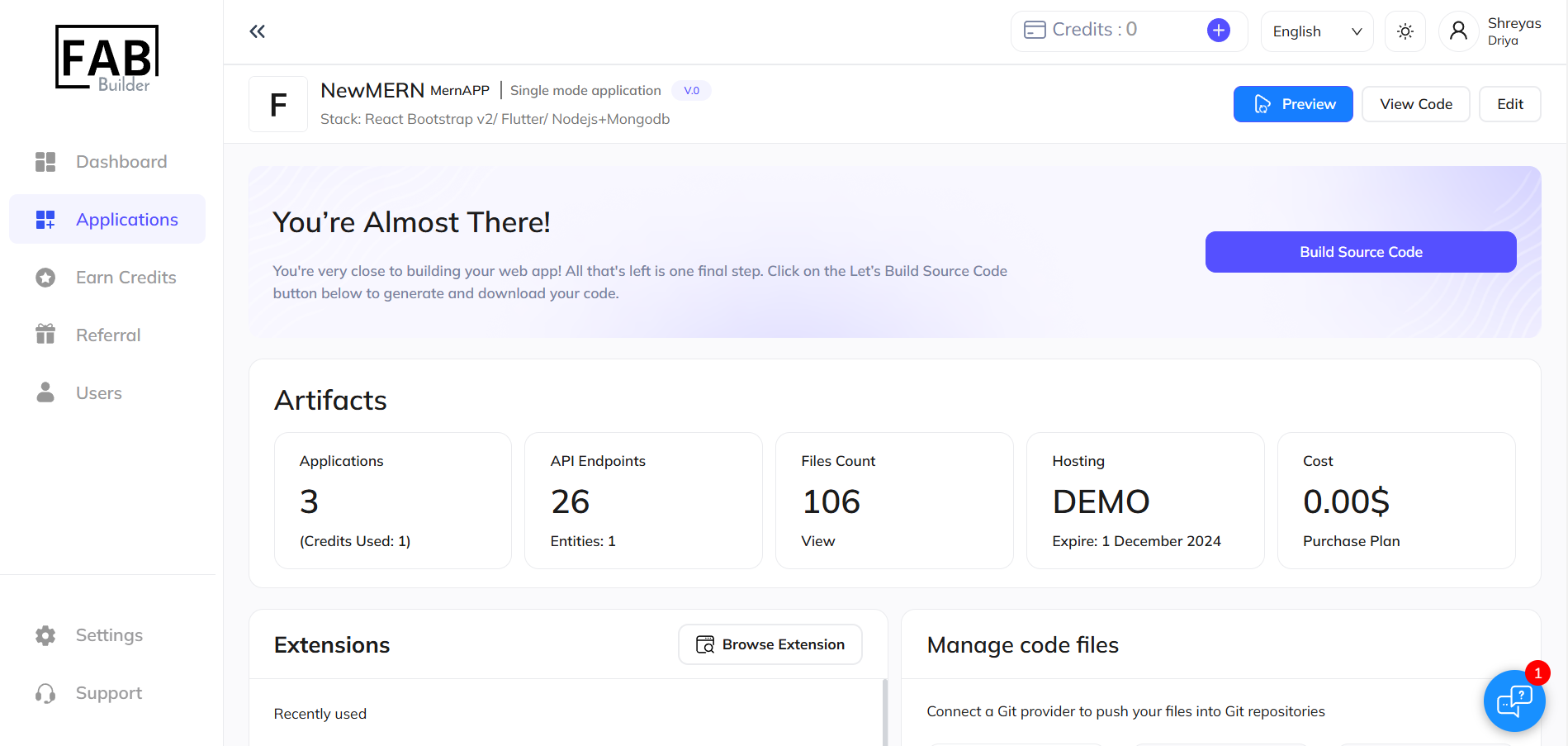
14. Code Generation: Click “Build Source Code” to generate your source code. Please note that code generation may take a few minutes, and entities cannot be edited afterward.
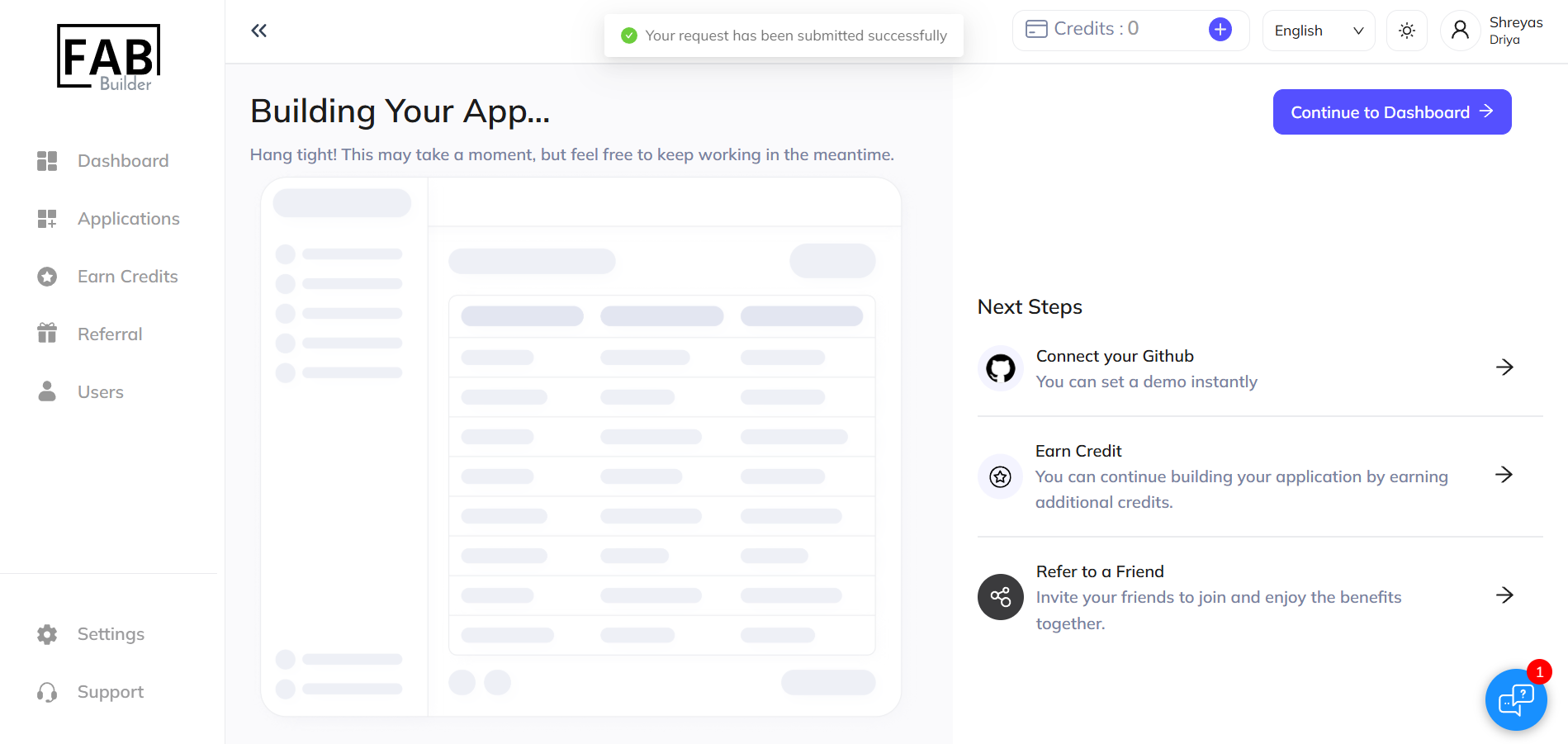
15. Build Progress: The build process will start, and you will be notified once it is complete. During this time, you can:
- Connect to GitHub: Link your GitHub account for version control.
- Earn Credit: Continue development by earning additional credits.
- Refer to a Friend: Invite others and enjoy shared benefits.
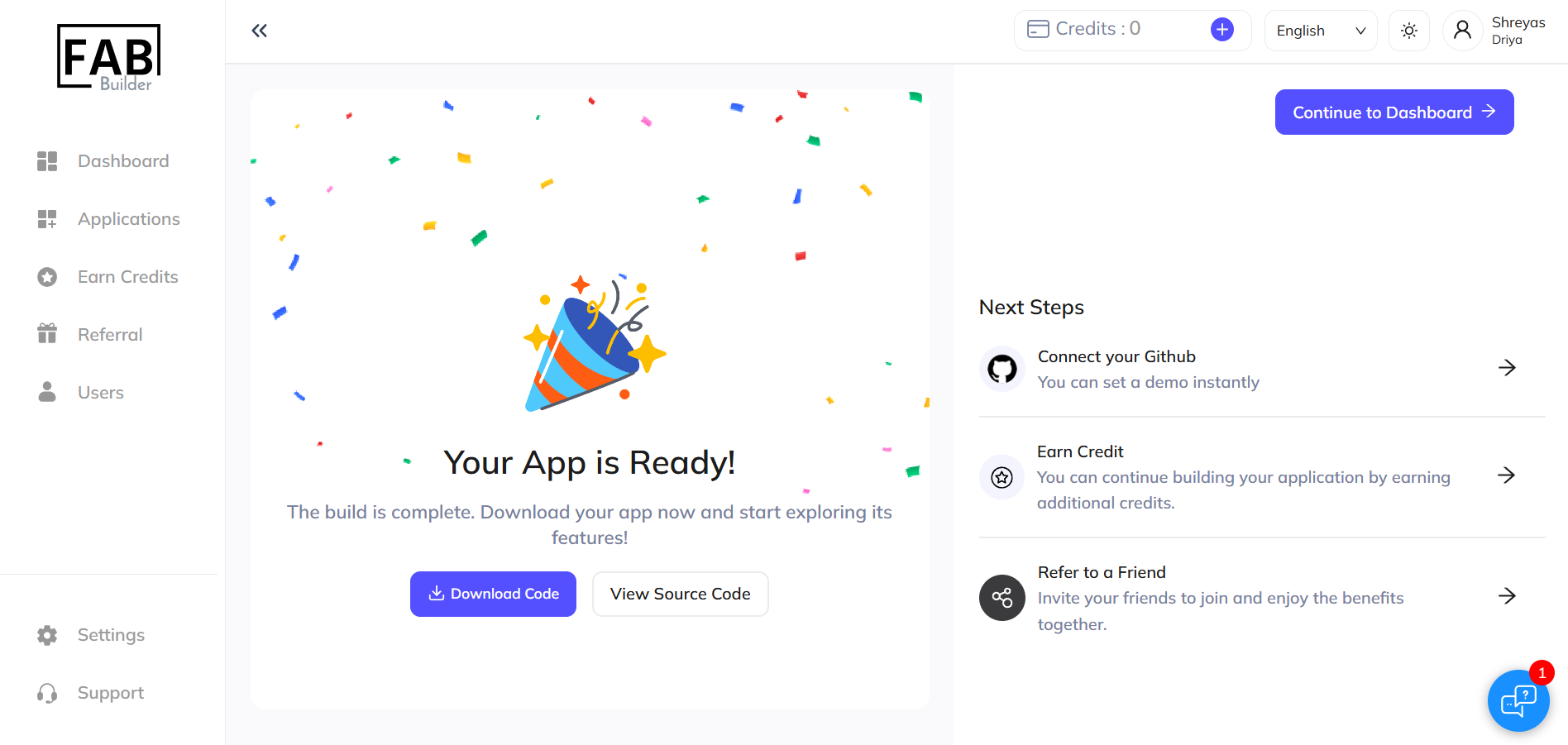
16. Application Ready: Once the build is complete, your application will be ready for download. Start exploring its features.
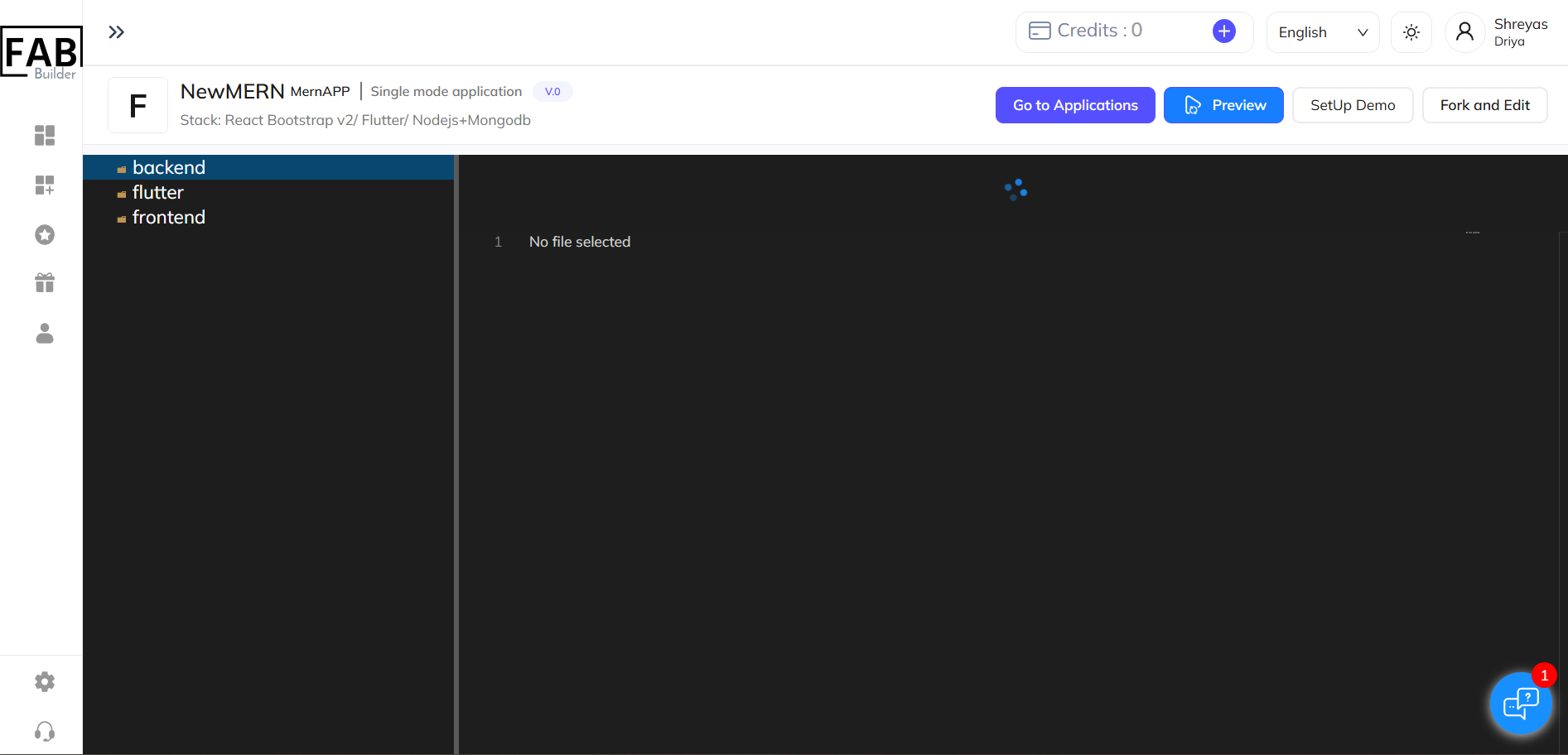
17. View and Download Source Code: You can view the generated source code and download it for local development.
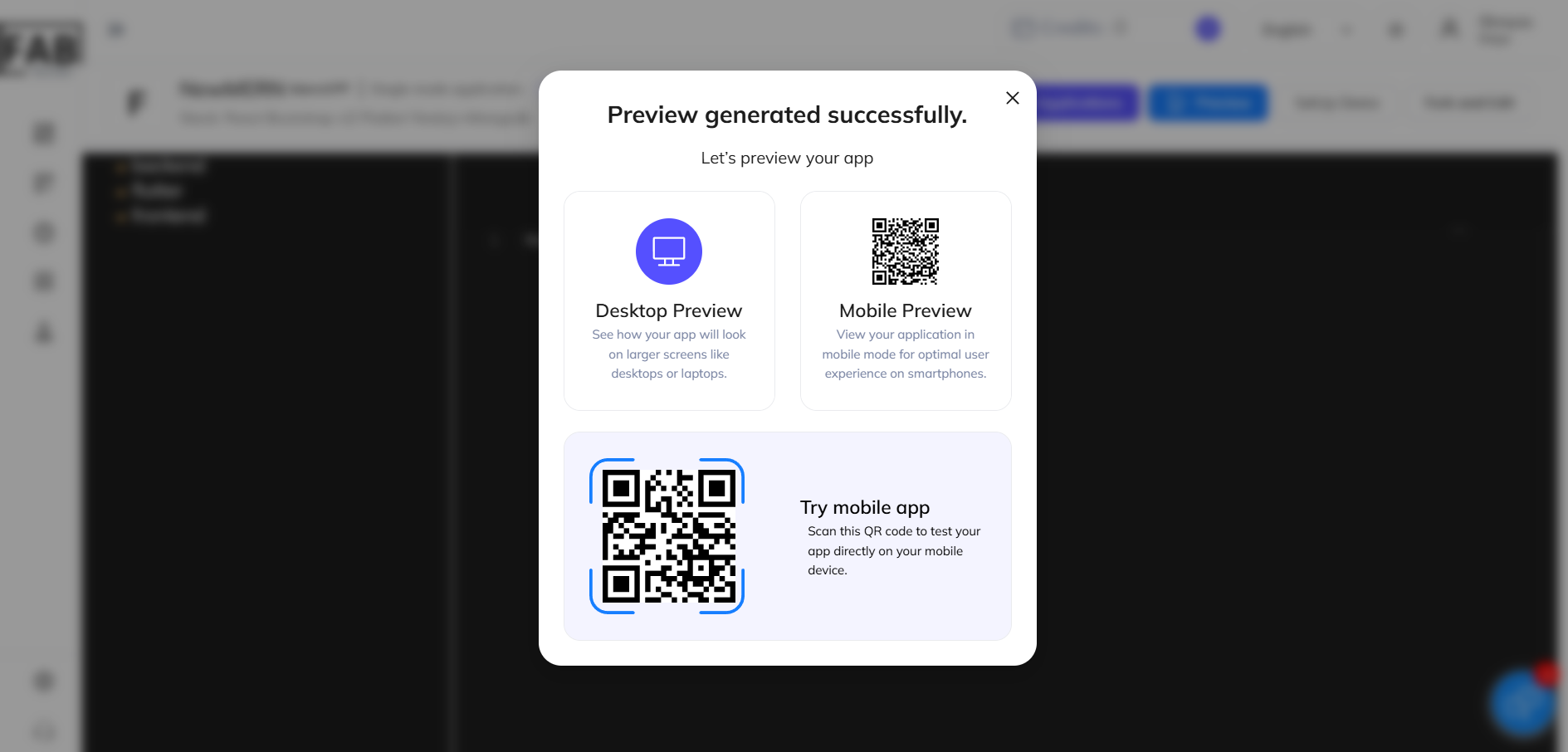
18. Preview Application: Preview your application, available for both desktop and mobile views, to ensure it meets your requirements.