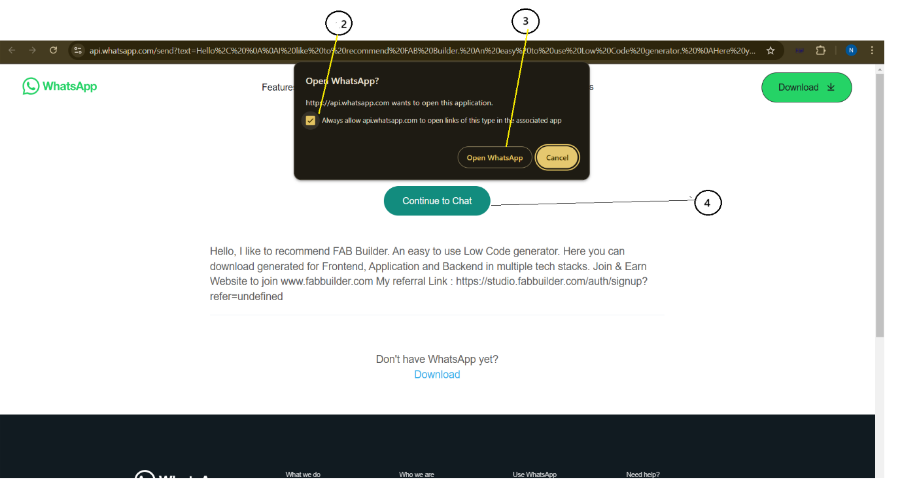
Profile screens allow users to send messages through the third-party app by selecting any
of the available apps.
1. Select any app to send the message. A new screen permission pop-up screen will appear.
2. Click on the check box to grant access.
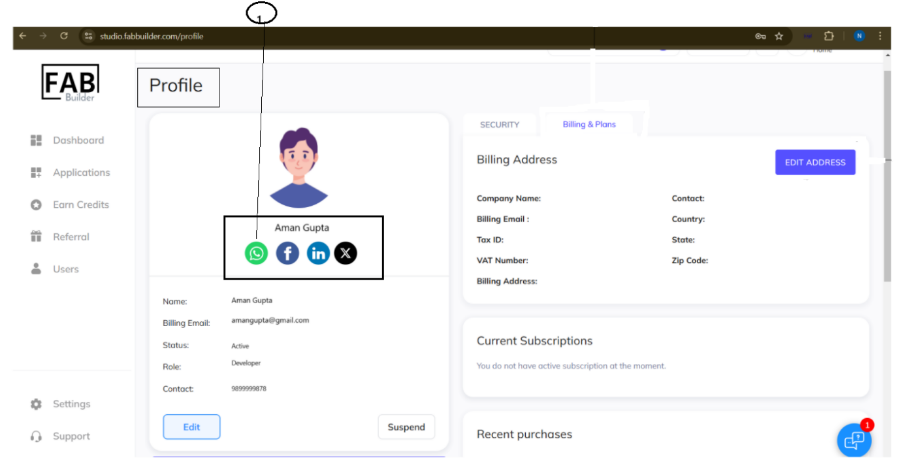
3. Click on Open WhatsApp on the pop-up window screen.
4. A user can start messaging by selecting Continue to Chat or message tab.