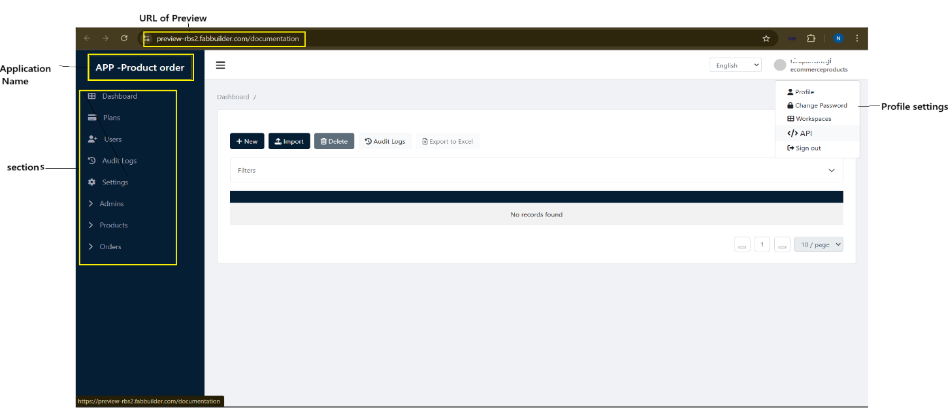
This section is a draft version of an application preview, which is available on various screens of different devices. In the process of creating a new application, after selecting or generating the suitable stacks, the user can preview the draft preview screen by clicking the Next button.
After clicking, a pop-up window will appear on screen, allowing the user to select the screen to preview the application.
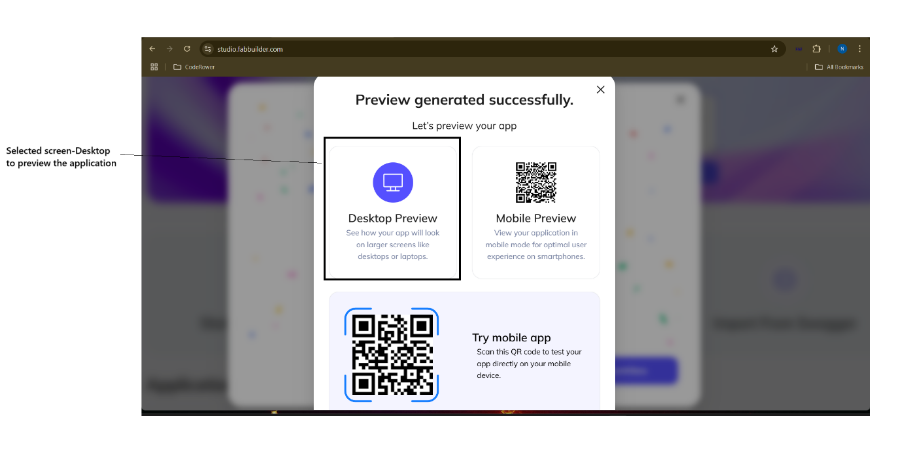
Once the screen is selected, a pop up window appears indicating that the preview is being processed.
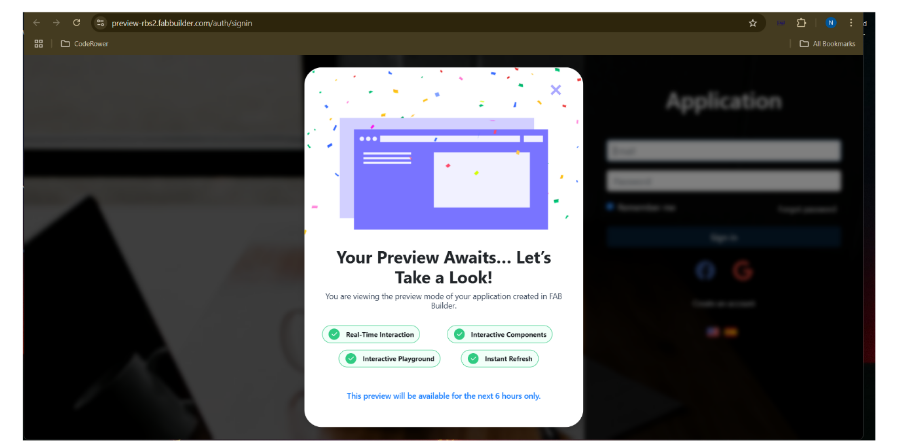
After a brief wait, the User Sign-In screen will appear.
To preview the application:
- Fill in the required login details (e.g., email, password)
- Click the Sign In button
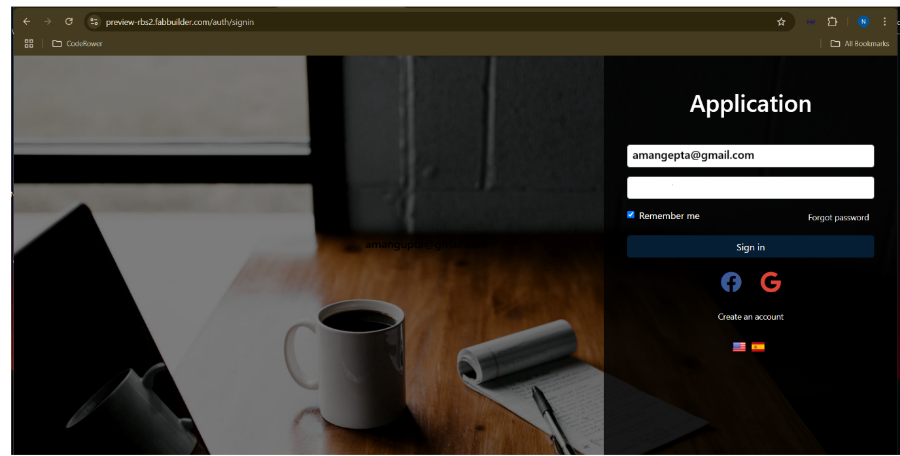
- After the successful login, the user can access the preview screen.