In the process of creating new application, after tech stacks section, a draft version of a newly created application can be preview by clicking on preview button(screen below),
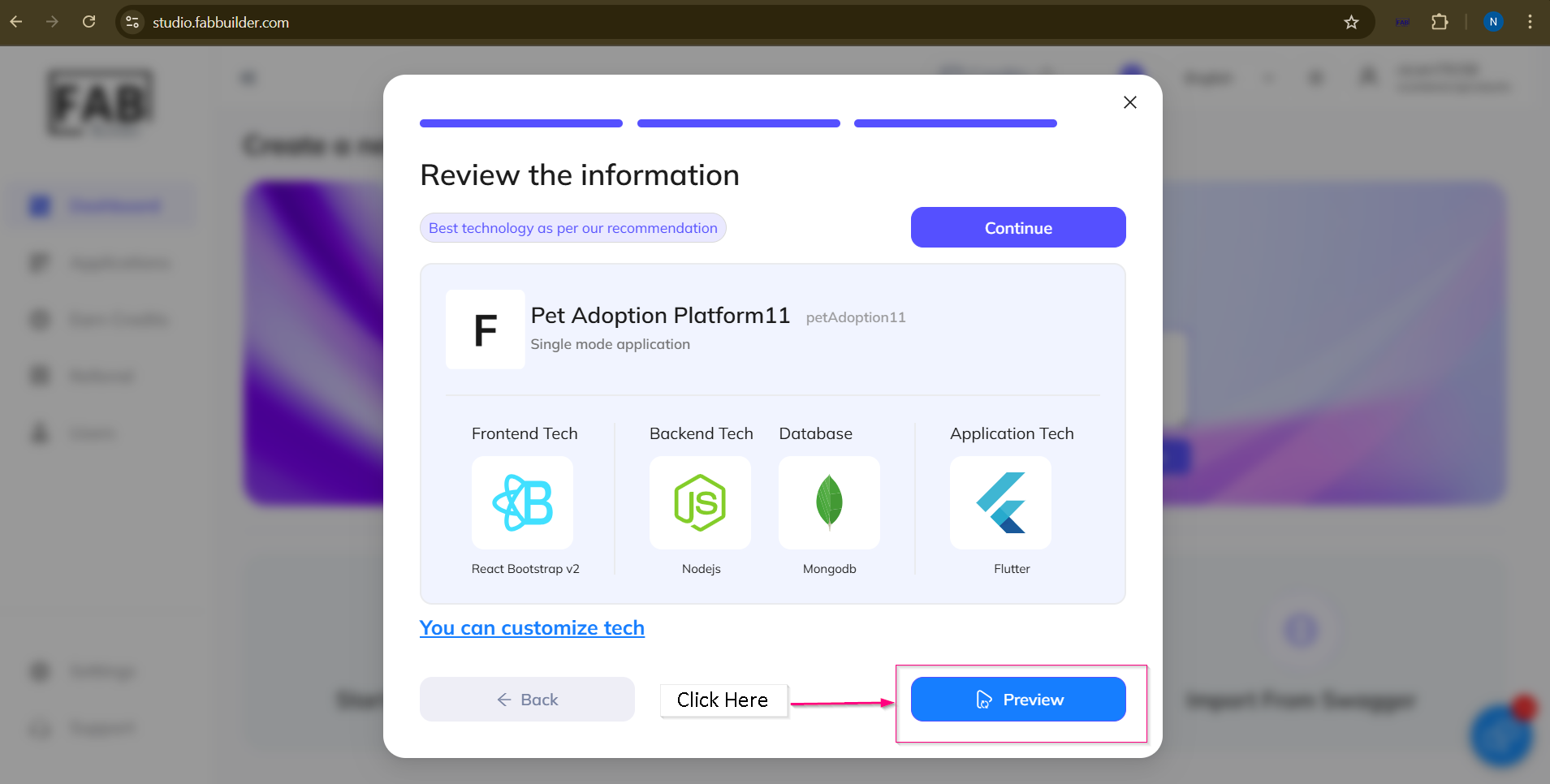
Screen- To Access the Preview Button
After clicking on preview button, a new pop up screen will appear which give the options to selected device’s screen (currently desktop screen is selected for preview).
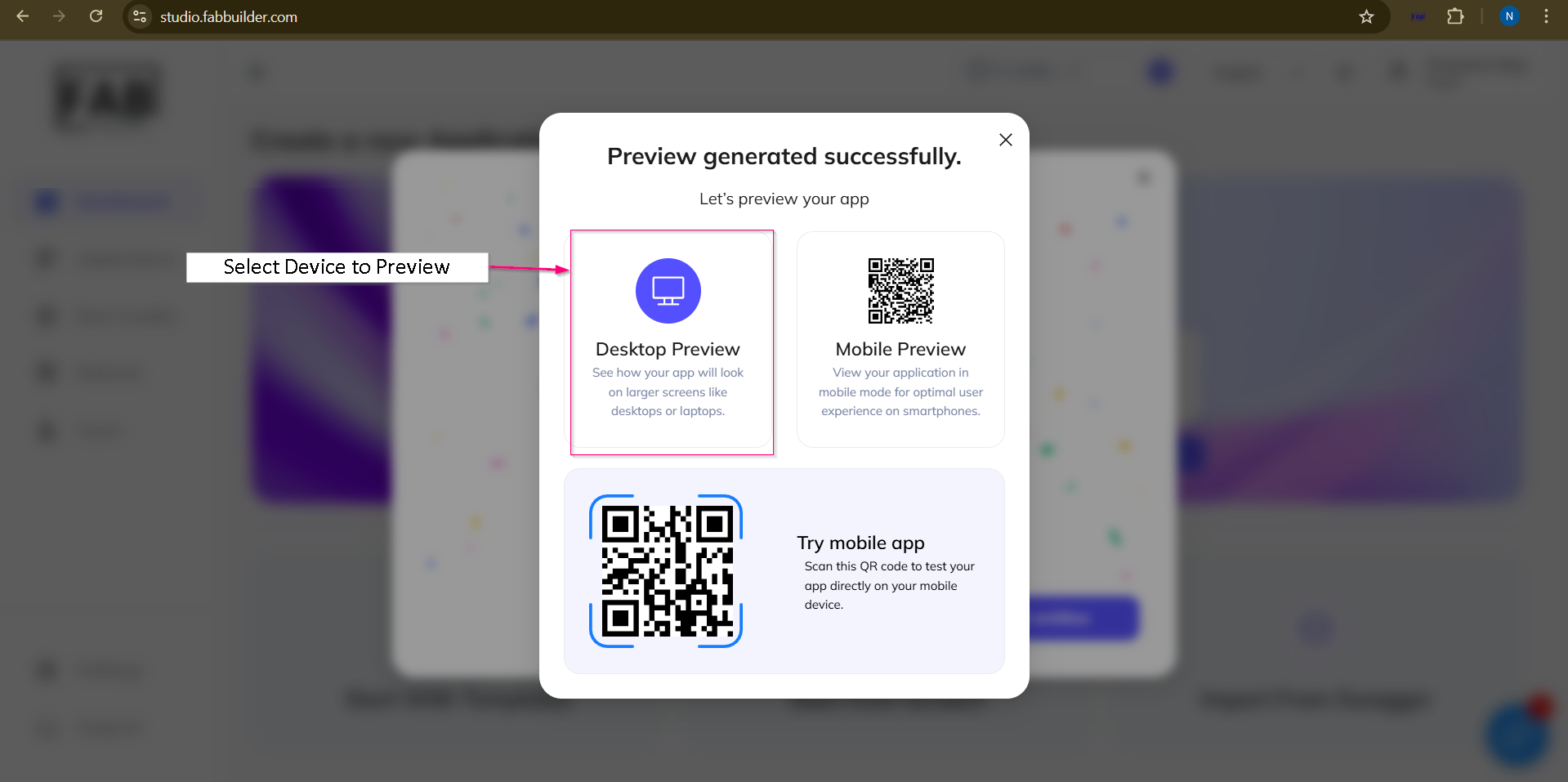
Screen – Application Preview on selected screen.
After selecting the preview screen, a pop-up window(below) indicates preview processing.
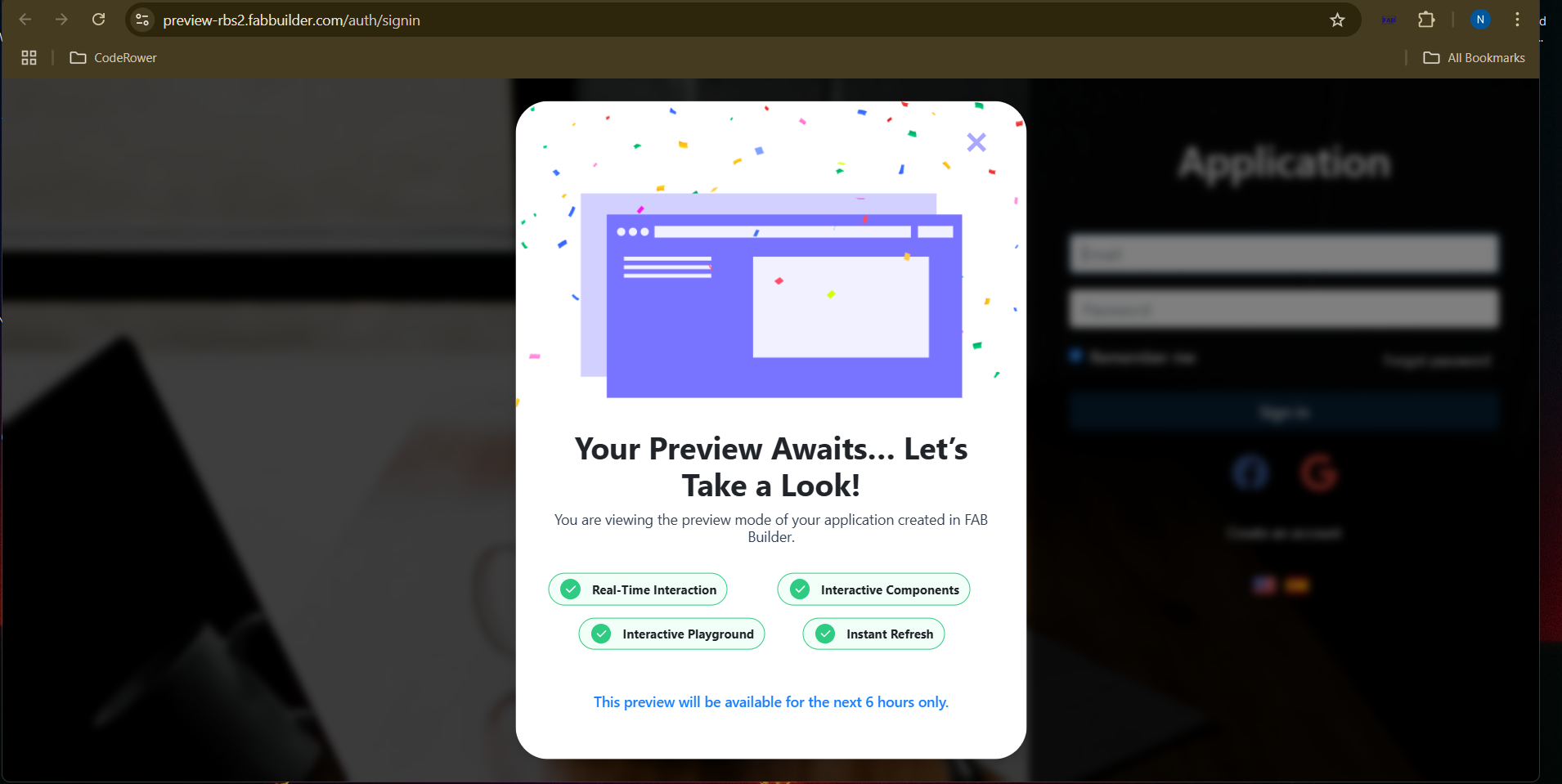
Screen-Preview Processing
After a brief wait, the User Sign-In screen will appear before previwing the application.user need to fill all the required login details (e.g., email, password) and Click on Sign In button to proceed.
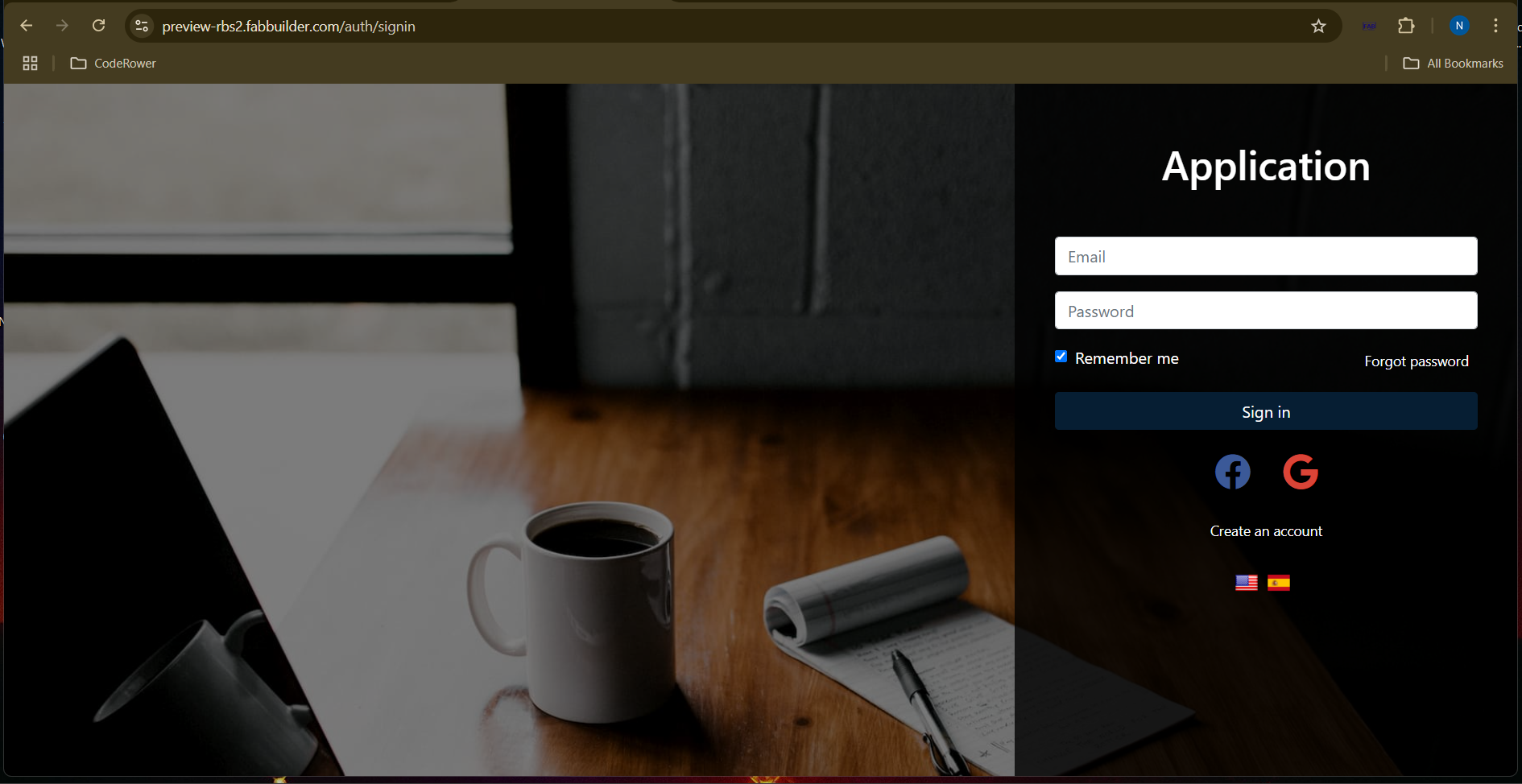
Screen – Preview -sign in
After the successful login, user can access the preview screen.
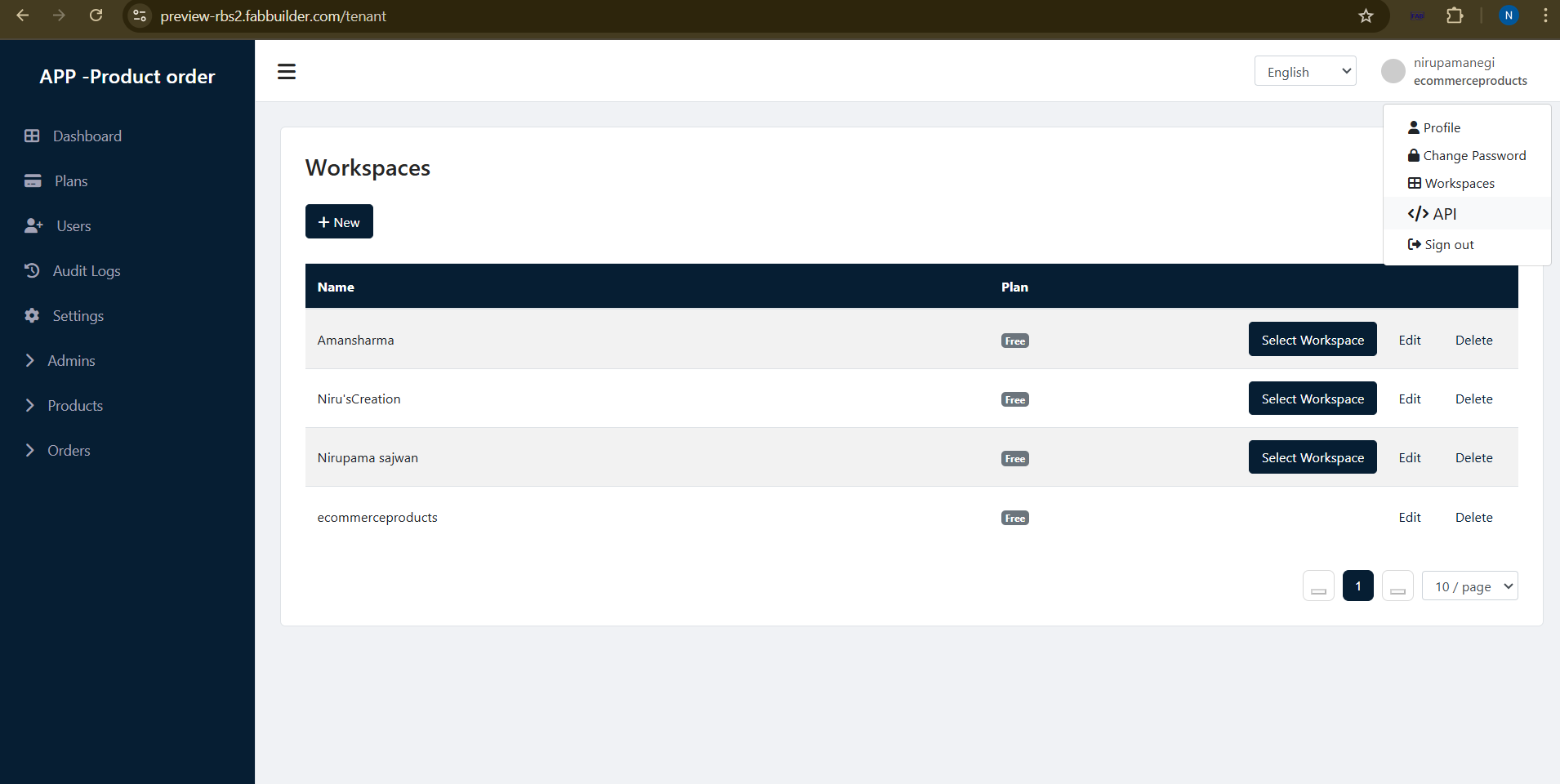
Screen- Application Preview