The left panel contains different tabs which allow users to perform different tasks.
1. Logo- Upon clicking this company logo that redirects users to dashboard from any current screen.
2. Dashboard- This tab provides access to use methods to create new applications.
3. Applications- This tab provides a list of applications.
4. Earn credit- Allows users to earn credit by promotion of code generator tool.
5. Referral- This tab provides users with tools to manage and share their referral information.
6. User- The Users tab allows account administrators to manage team members who have access to the FAB Builder workspace.
7. Setting- The setting tab allows the company to upload or update their logo.
8. Support- The Support tab allows users to submit queries, issues, and directly to the FAB Builder support team.
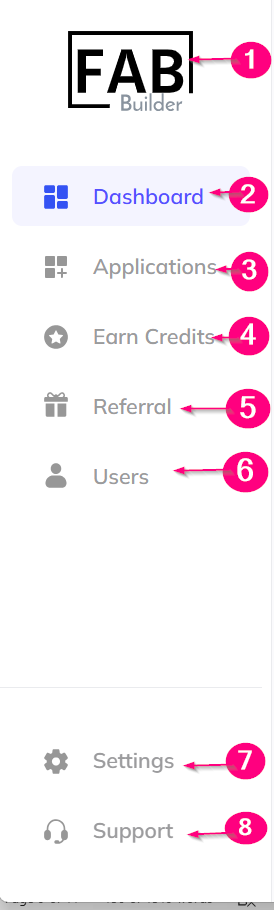
Screen – Navigation Panel