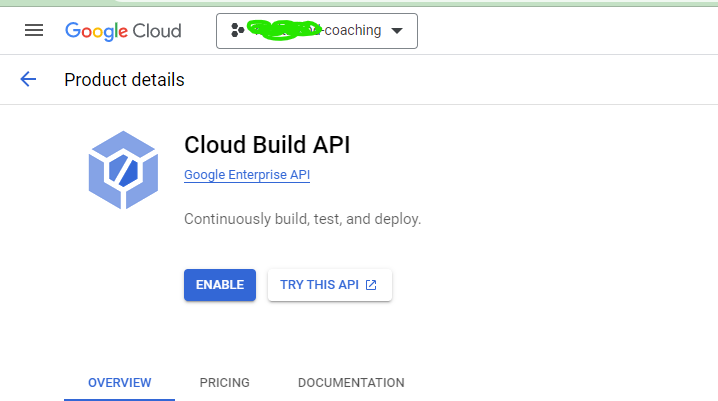
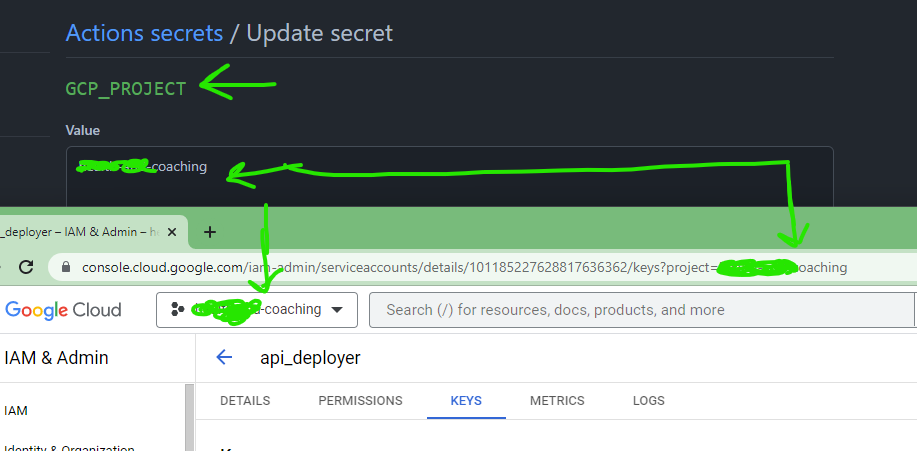
Step 1: Create GCP project and enable services for Cloud Run
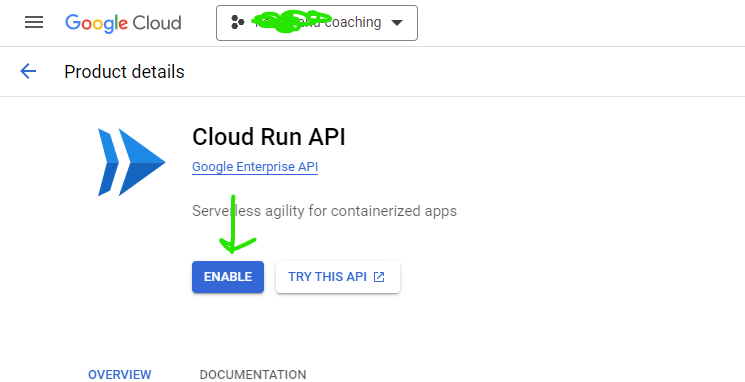
2. Cloud Run API
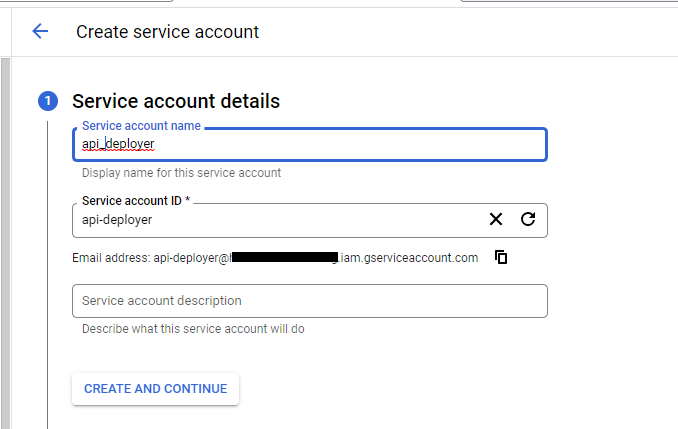
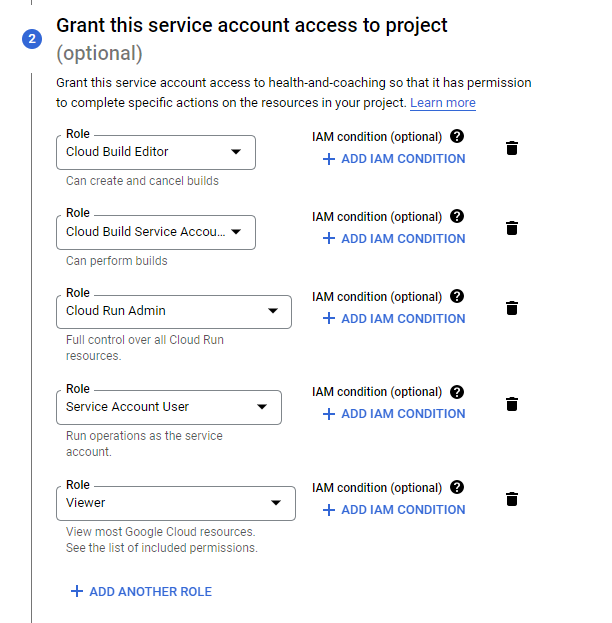
Step 2: Create service account on the GCP project
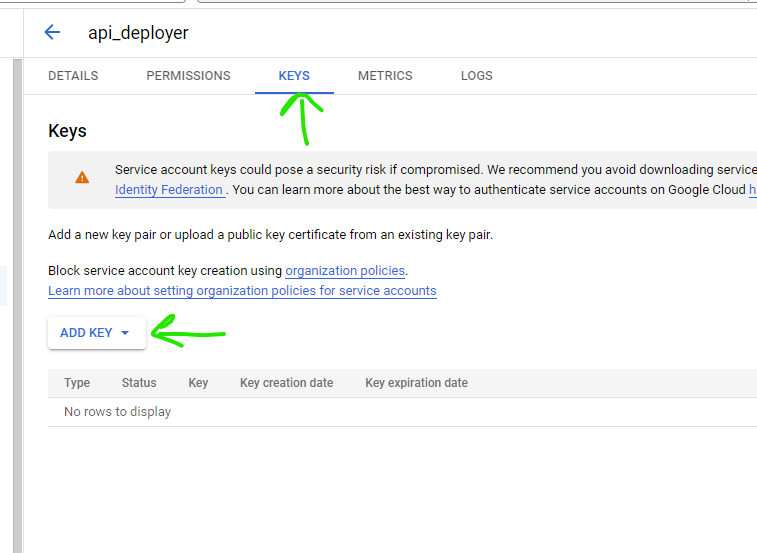
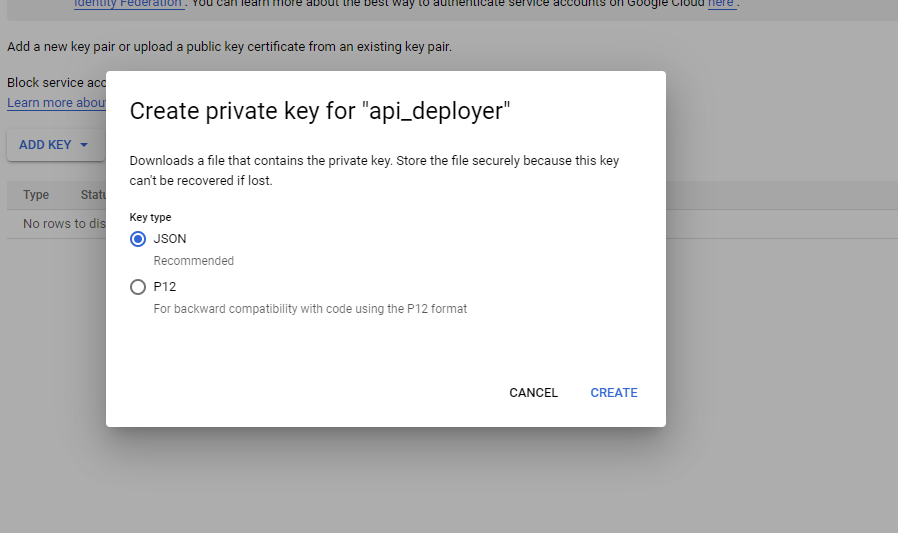
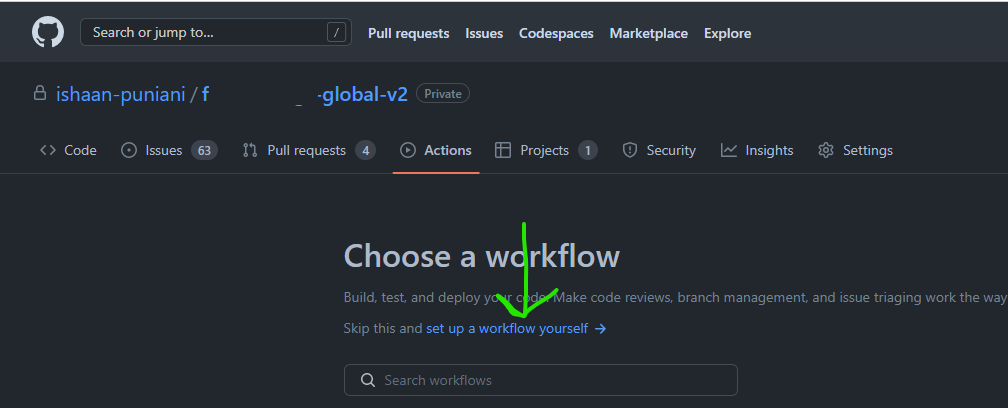
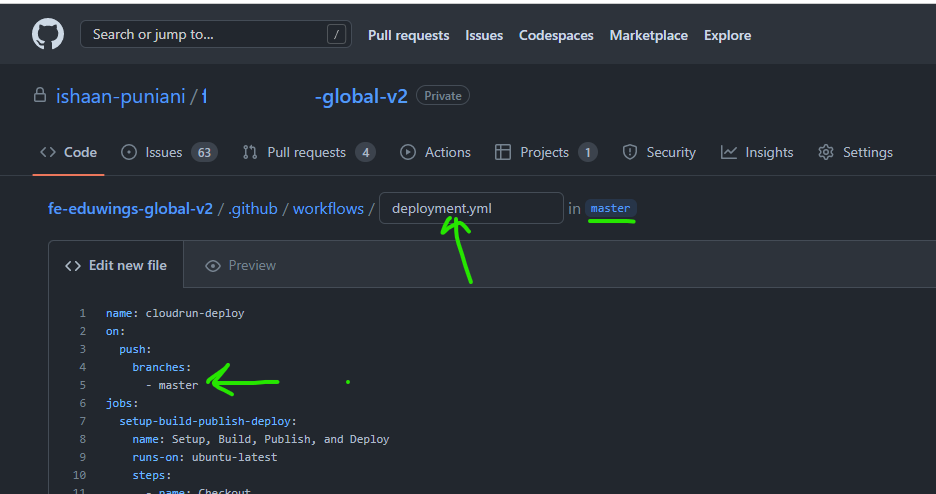
Step 3: Update workflow of GitHub action
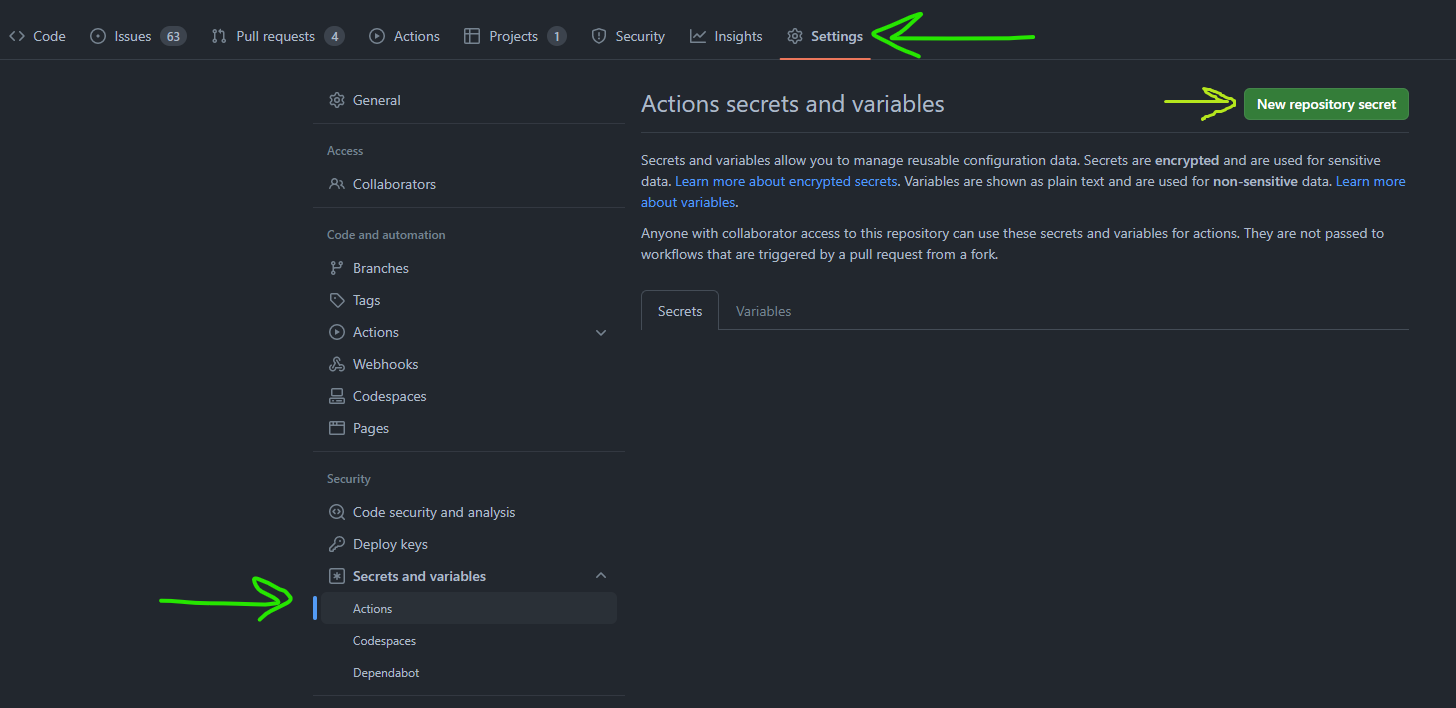
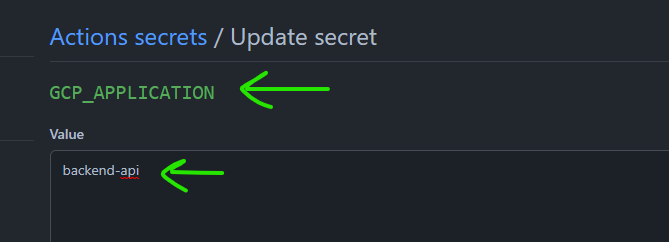
2. GCP_APPLICATION - Name of the service you want
3. GCP_EMAIL 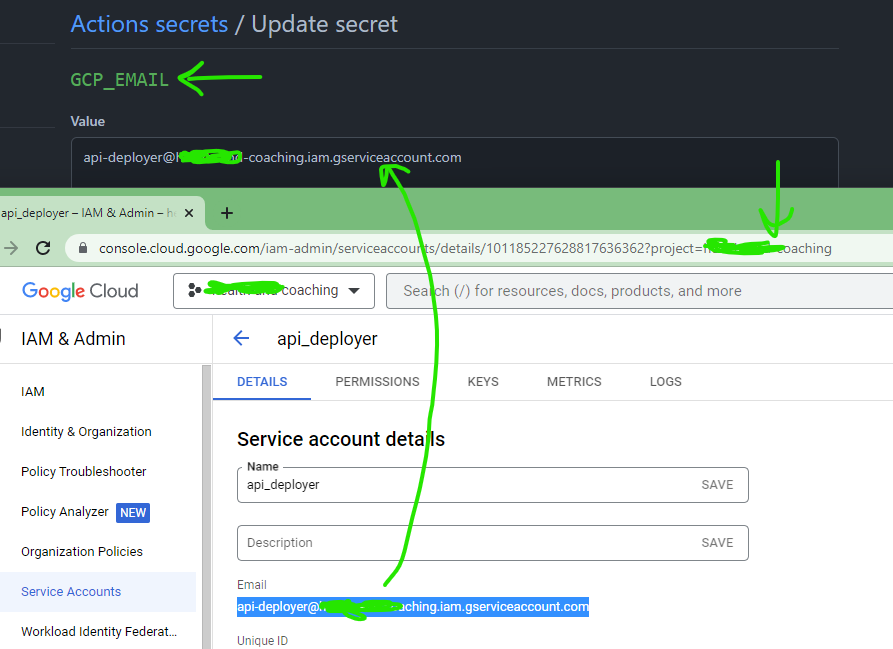
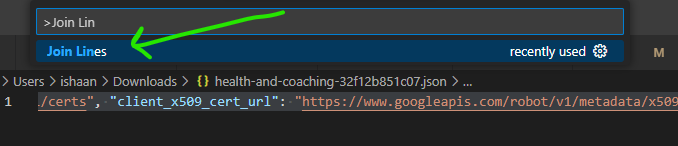
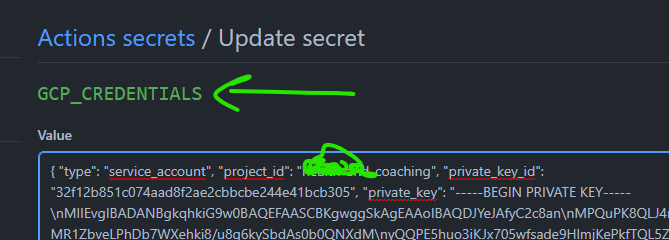
4. GCP_CREDENTIALS
Add to GitHub action secret as
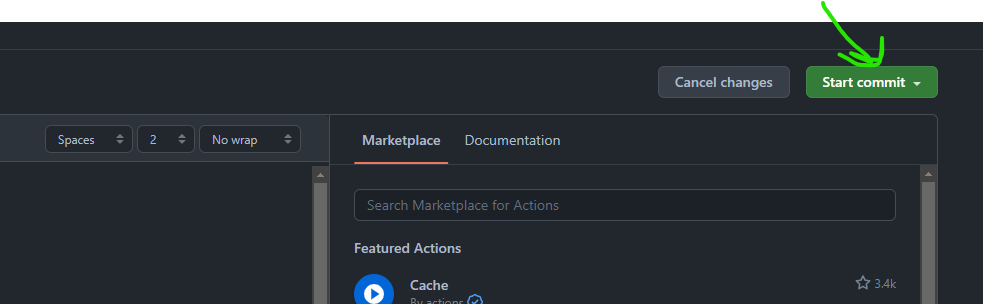
name: cloudrun-deploy on: push: branches: - main jobs: setup-build-publish-deploy: name: Setup, Build, Publish, and Deploy runs-on: ubuntu-latest steps: - name: Checkout uses: actions/checkout@master # Setup gcloud CLI - uses: google-github-actions/setup-gcloud@v0.6.0 with: service_account_email: ${{ secrets.GCP_EMAIL }} service_account_key: ${{ secrets.GCP_CREDENTIALS }} export_default_credentials: true # Configure Docker with Credentials - name: Configure Docker run: | gcloud auth configure-docker # Build the Docker image - name: Build & Publish run: | gcloud config set project ${{ secrets.GCP_PROJECT }} gcloud builds submit --tag gcr.io/${{ secrets.GCP_PROJECT }}/${{ secrets.GCP_APPLICATION }} gcloud config set run/region us-central1 # Deploy the Docker image to the GKE cluster - name: Deploy run: | gcloud run deploy ${{ secrets.GCP_APPLICATION }} --image gcr.io/${{ secrets.GCP_PROJECT }}/${{ secrets.GCP_APPLICATION }} \ --platform managed \ --allow-unauthenticated \ --memory=1Gi \ --region asia-south2 Commit the file
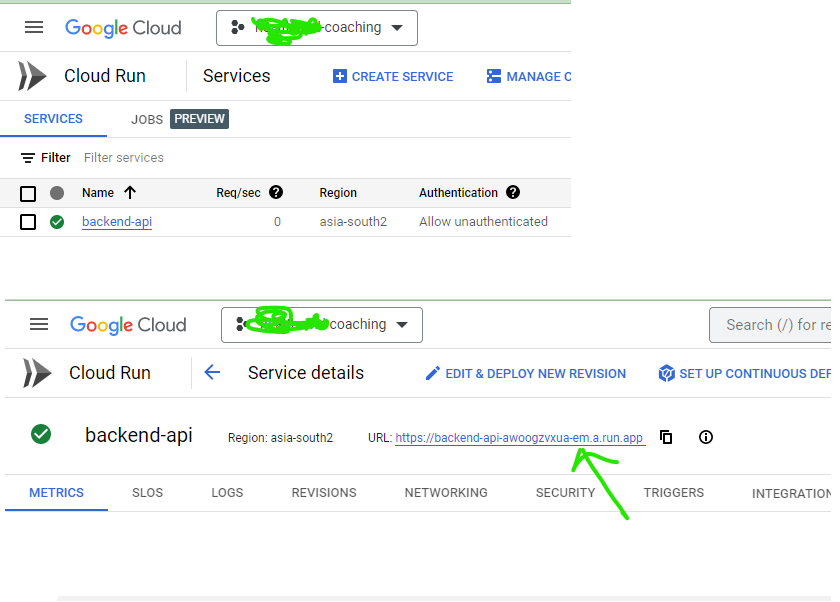
Push changes and wait for few sconds. You can navigate to actions and observe action is in progress. take a look at the execution to make sure it won't break. on successful completion you can see your service is running on GCP cloud run.
You can now use the URL to call the service |