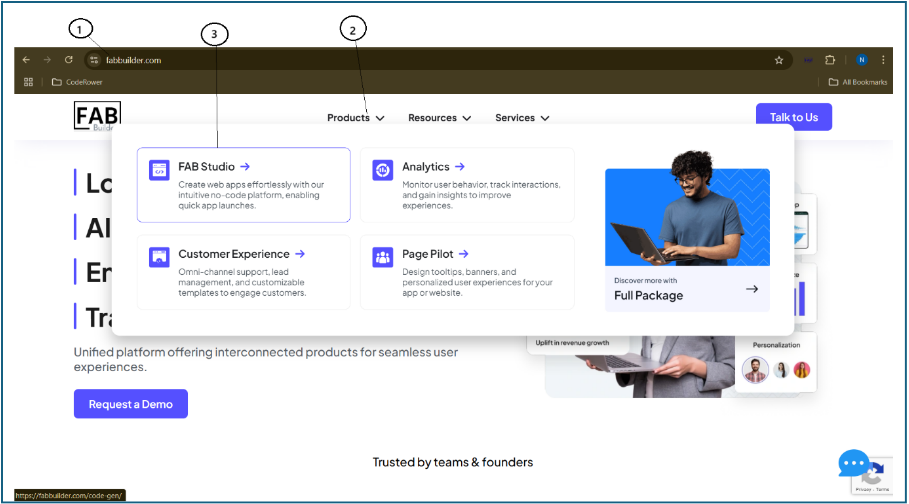
1. Open any web browser and go to https://fabbuilder.com
2. In the top navigation bar, click on the Product menu.
3. From the dropdown, select FAB Studio.
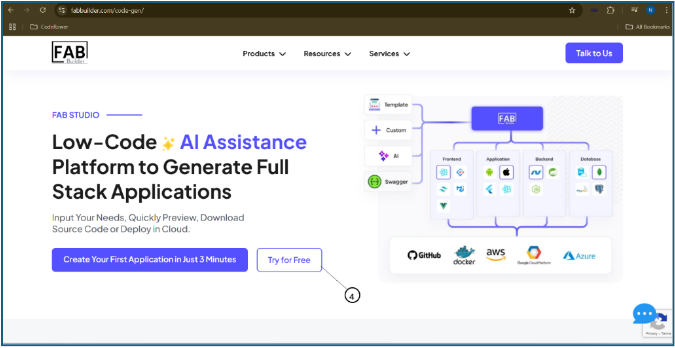
4. On the screen FAB Studio, click the Try for Free button located under the FAB Studio section. This will open the sign-in page for FAB Studio.
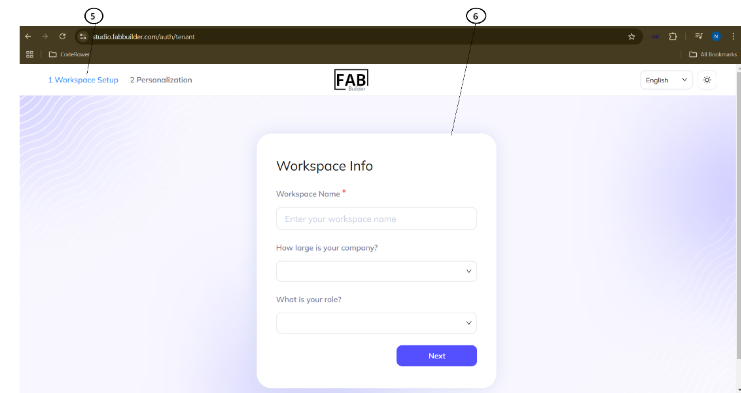
5. The new screen of FAB Studio displays the Workspace Info or Personalization tab. The user must select a tab to proceed; by default, the Workspace tab is selected.
6. Once the workspace/personal information is saved, click the Next button to navigate to the new screen of the Purpose of creating of new application.
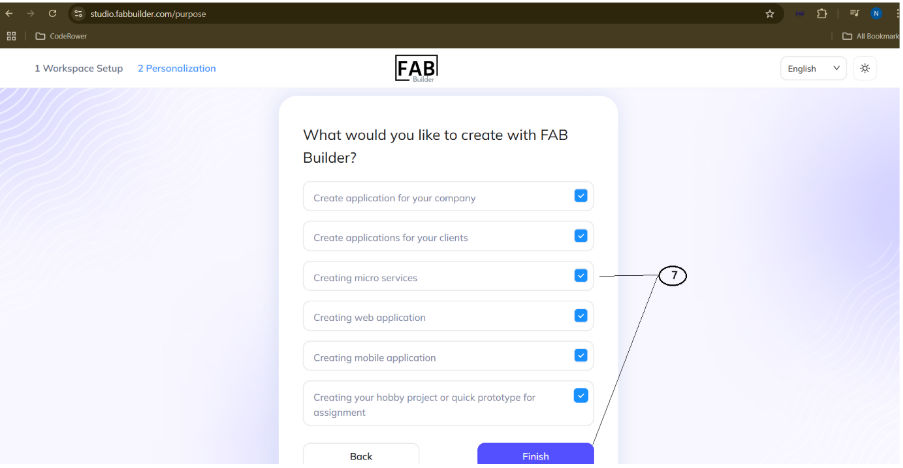
7. Now the new pop-up screen will ask the user to select the purpose of development,
Click on the desired fields and click on the finish button.