After navigating to Profile screen, follow the steps to edit the details mentioned below
1. Click on edit to change the details or suspend if no change is required. New pop-up window will appear on the profile screen.
Enter the new details and click on the edit button.
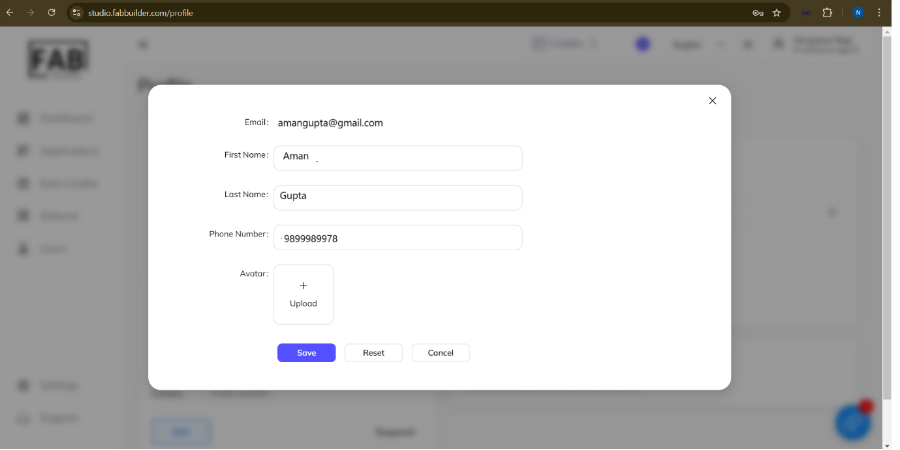
Note- The registered email address cannot be changed from this screen.
The menu also provides access to the Logout option.