FAB Builder transforms the application development process with its "Generate with AI" feature, providing a seamless and efficient way to create applications. Follow the outlined steps to utilise this robust functionality:
Step-by-Step Process
1. Login or Register
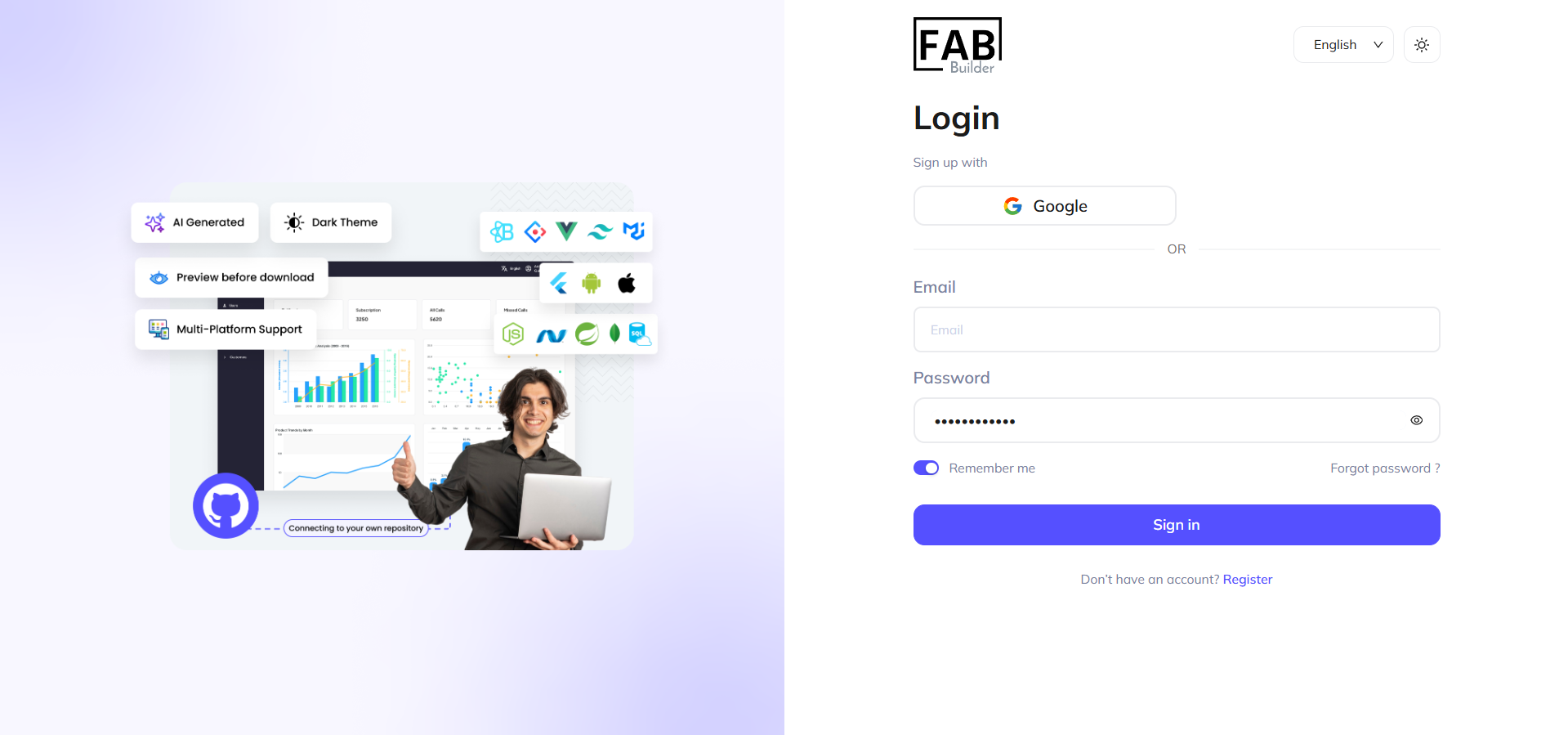
Access FAB Builder Studio by signing in or creating a new account.
2. Initiate Application Generation
Navigate to the "Generate with AI" option on the dashboard.
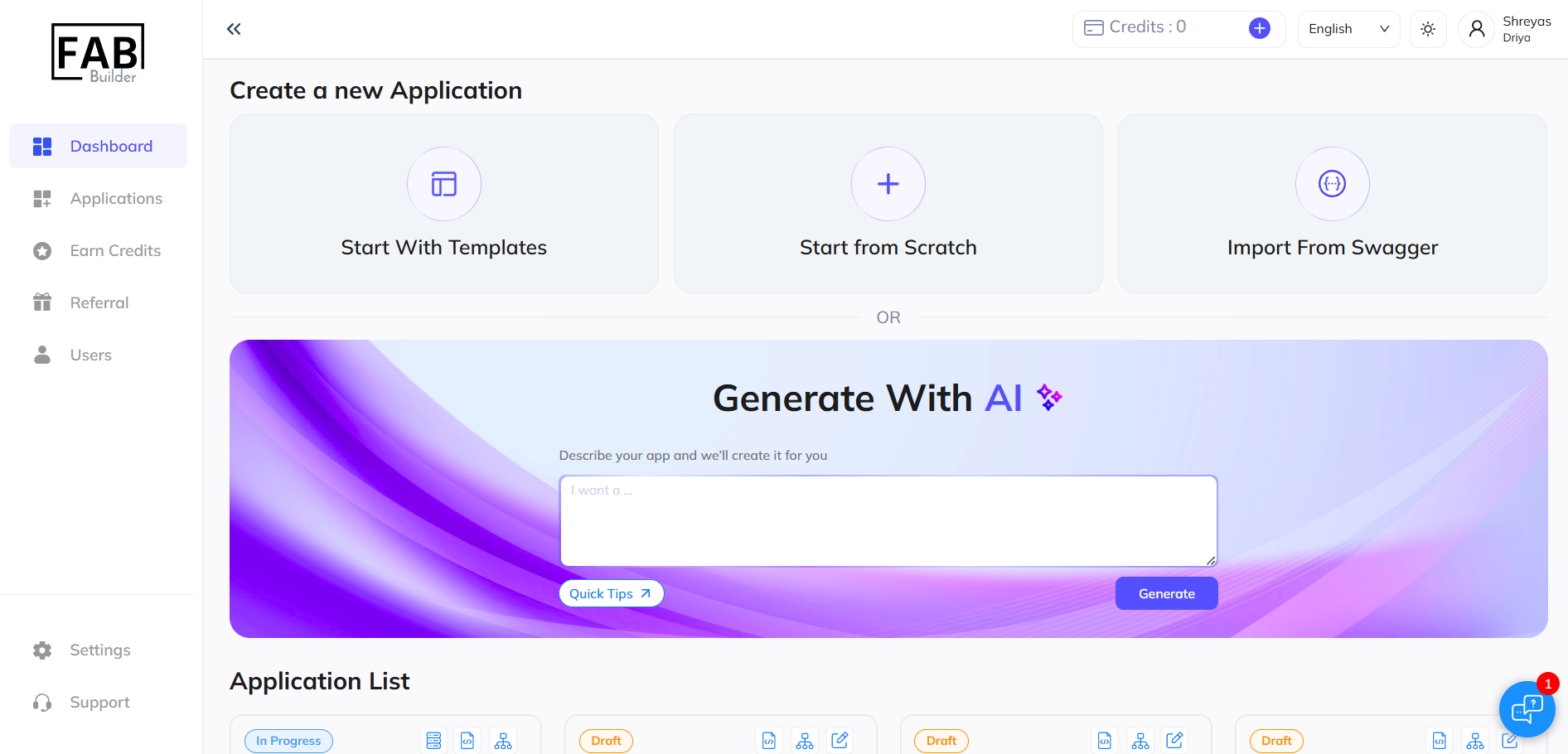
Provide a comprehensive prompt, including:
- Application Purpose: Specify the type of application (e.g., e-commerce).
- Required Entities: Define key entities (e.g., admin, users, products).
- Additional Requirements: Mention any specific details.
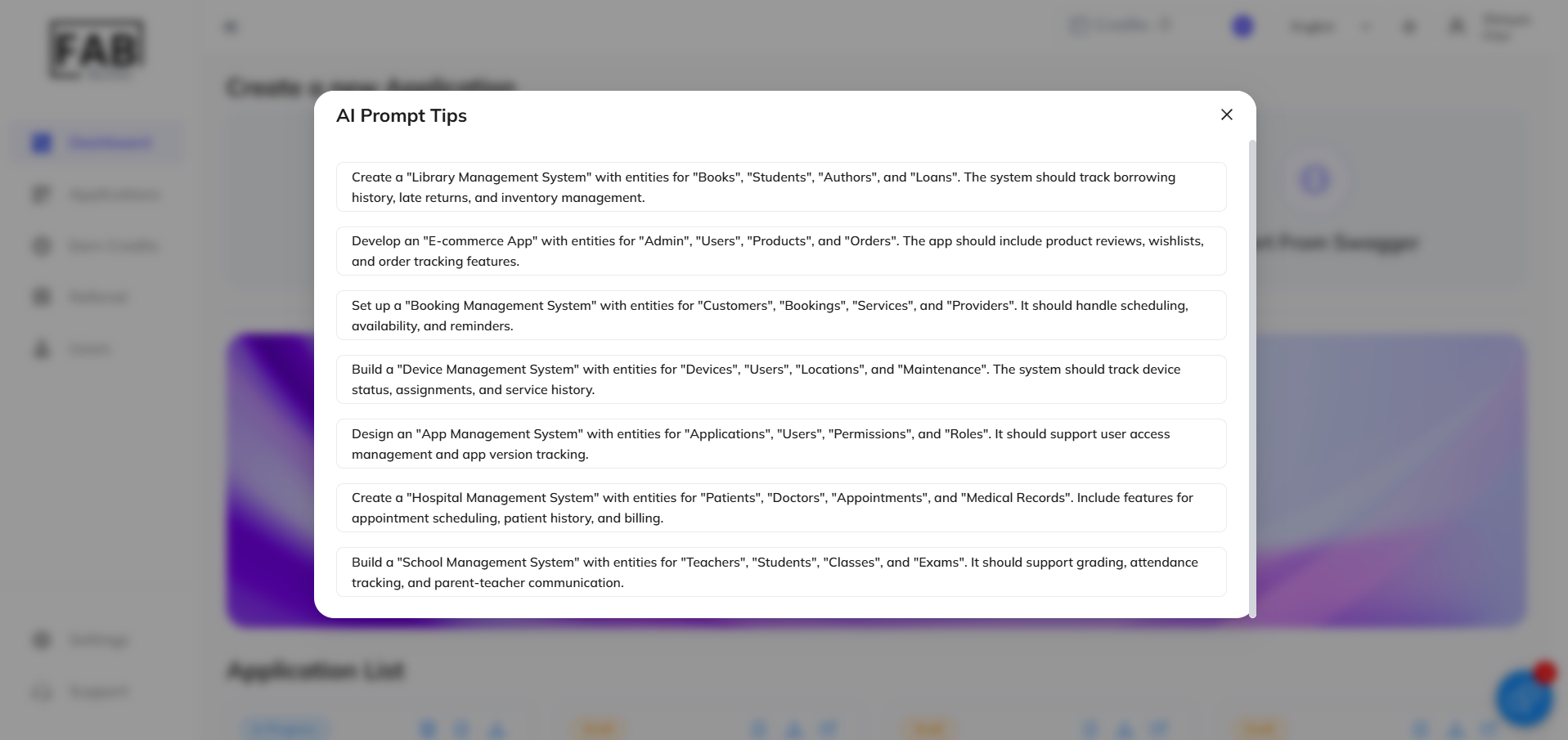
Leverage quick tips for crafting an effective and precise prompt.
For Eg. - Build a "Device Management System" with entities for "Devices", "Users", "Locations", and "Maintenance". The system should track device status, assignments, and service history.
3. Select Preset Entities
Choose from the AI-suggested entities and proceed to the next stage. And You can select the preset entities, add details, and modify their fields later as needed. Proceeding to the next stage.
4. Define the Technology Stack
Configure the application's technical framework by selecting:
- Frontend
- Backend
- Database
- Mobile application
- Setup details (e.g., application name, display name, tenant mode)
5. Review and Finalise
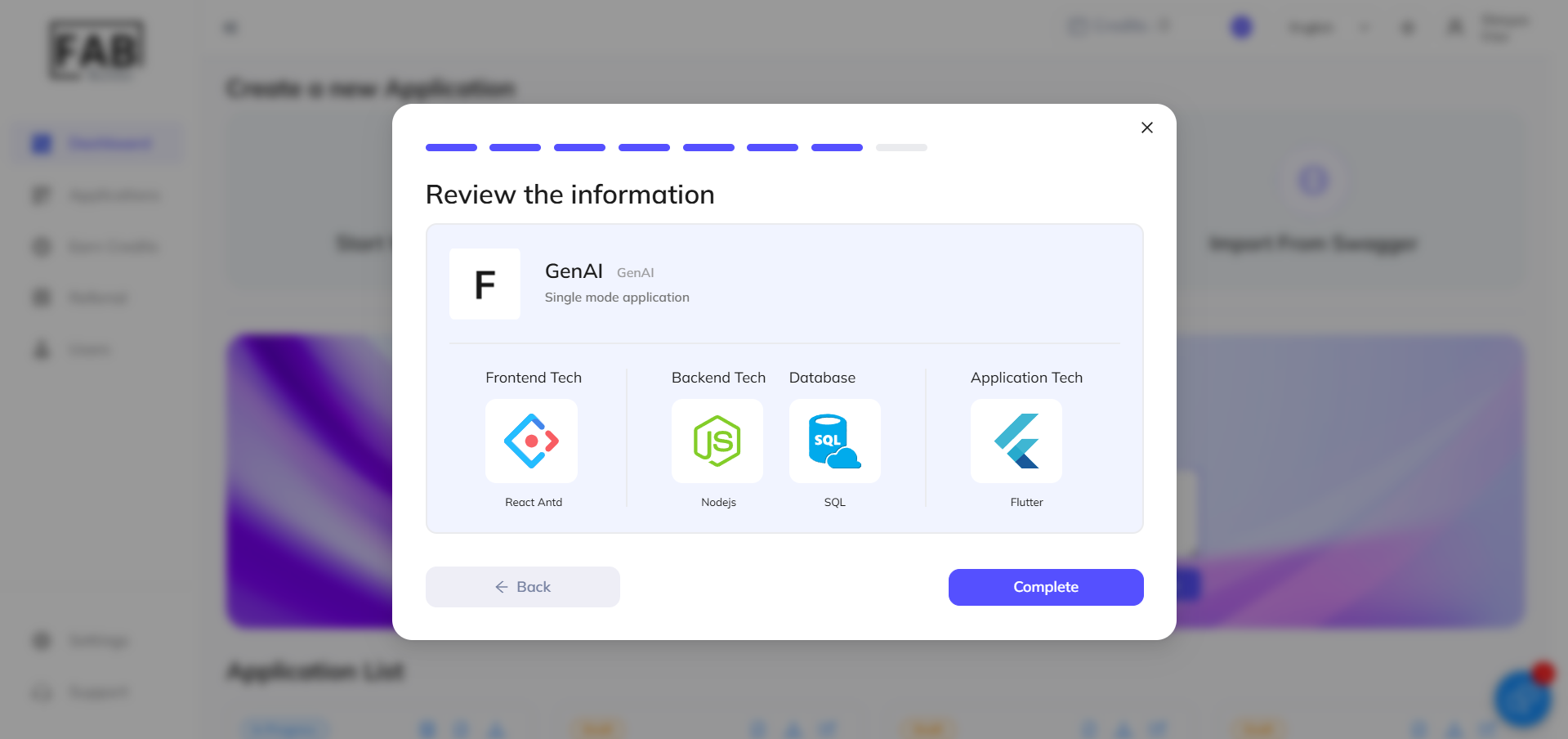
Verify all entered information and click "Complete" to confirm.
6. Application Successfully Created

Your application is now ready. You can add or modify entities to meet additional requirements as needed.
(For subsequent steps in app-building, refer to our comprehensive documentation.)